
 Written by
Theo White
Written by
Theo White
Runa App Download for Android (APK) Latest Version 2026
weekly bonus of up to £100
Android
APK from the official site
iPhone
no native app, mobile web works instead
UK players
accepted
Last checked
October 2026
Testing status
hands-on tested
Pros
-
Very small app, 5.4 MB, installs fast even on old phones.
-
Wide withdrawal choice, including Faster Payments and a long crypto list.
-
In-app statistics.
-
Google sign-in option at registration.
-
Fast live chat, under a minute in our test, 24/7.
Cons
-
No iPhone app, iOS users are on the mobile site.
-
No Apple Pay or Google Pay (dropped), and Skrill is the only e-wallet now.
-
Broad permissions: camera, microphone, background.
-
No Bet Builder, no live streaming, full-only Cash Out.
App facts
Runa stands out for its nice payment methods. It accepts Revolut, online banking, Skrill, fast UK bank transfers, and many types of crypto. The Android app is very small at just 5.4 MB, so it installs quickly, and you can place bets from as little as £1. However, keep in mind that there is no iPhone app, and the Android version asks for additional permissions like your camera and microphone. Like other non GamStop betting apps, it operates under a Costa Rica license instead of the UKGC.
| Field | Value |
|---|---|
| Operator | Aurora Dynamics Sociedad |
| Android app | APK, 5.4 MB (smallest here) |
| iPhone app | No |
| UK players | Yes |
| Licence | Costa Rica |
| UKGC licence | No |
| Minimum deposit | £15 |
| Minimum bet | £1 |
| Minimum withdrawal | £100 |
| Cash Out | Full only |
| Statistics | Yes |
| E-wallets | Skrill, Neteller, Paysafecard |
Installing the Runa Android app
The Runa app is not on Google Play, so you download it directly as a tiny 5.4 MB APK file from their website. You can follow the simple step-by-step screenshots to install it easily.
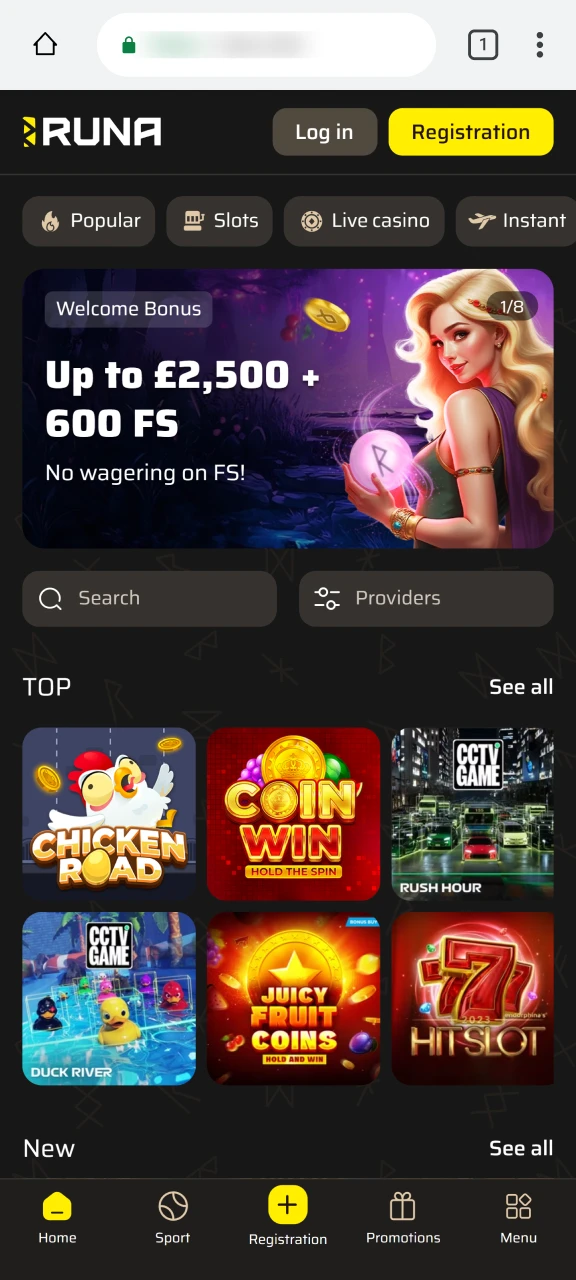
Step 1
Visit the official Runa site
Open the website of Runa on your Android phone. Download the file only from here, never a mirror or third-party host.
Step 2
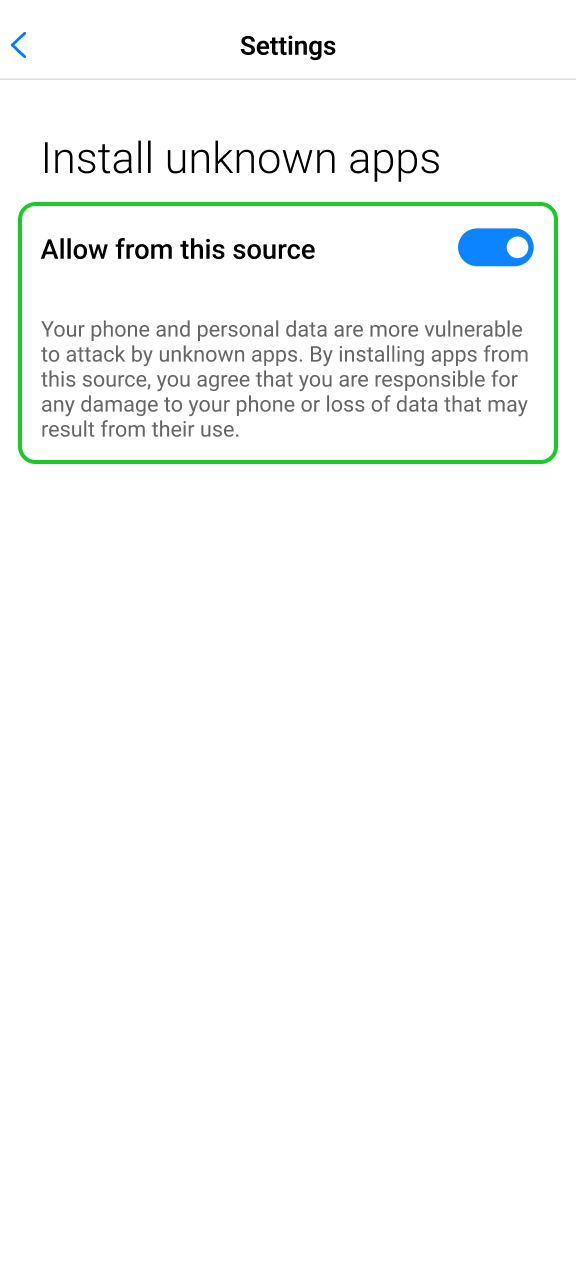
Allow unknown-source installs
Android will ask before installing something from outside the Play Store. Grant your browser that permission when prompted.
Step 3
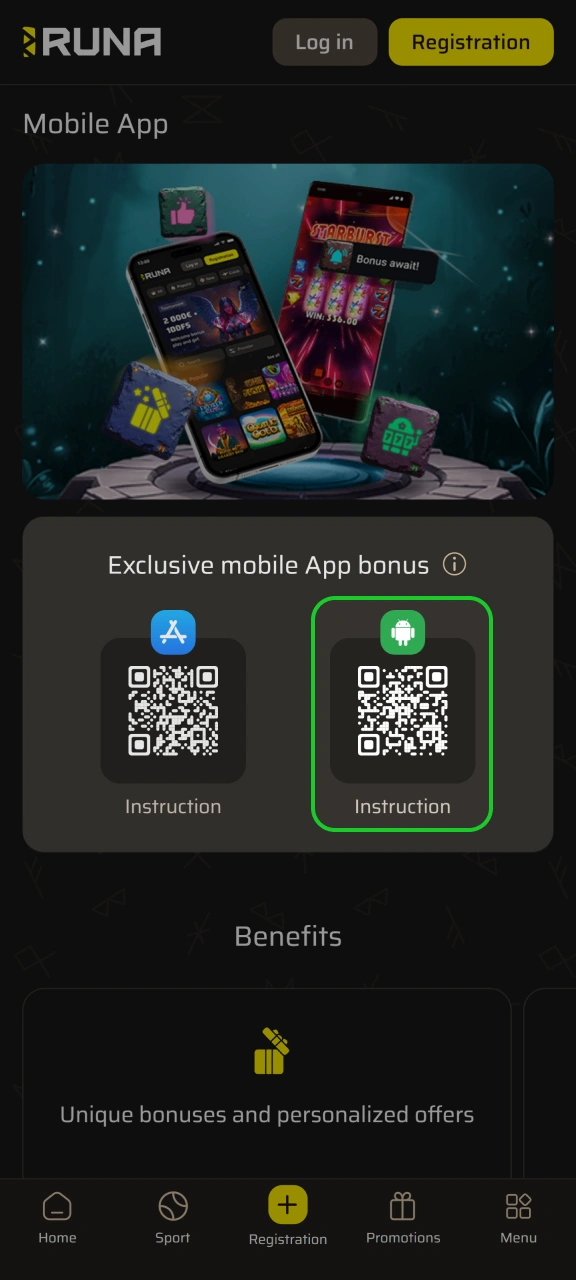
Pull down the APK
Tap the Android download link. At 5.4 MB it downloads almost instantly.
Step 4
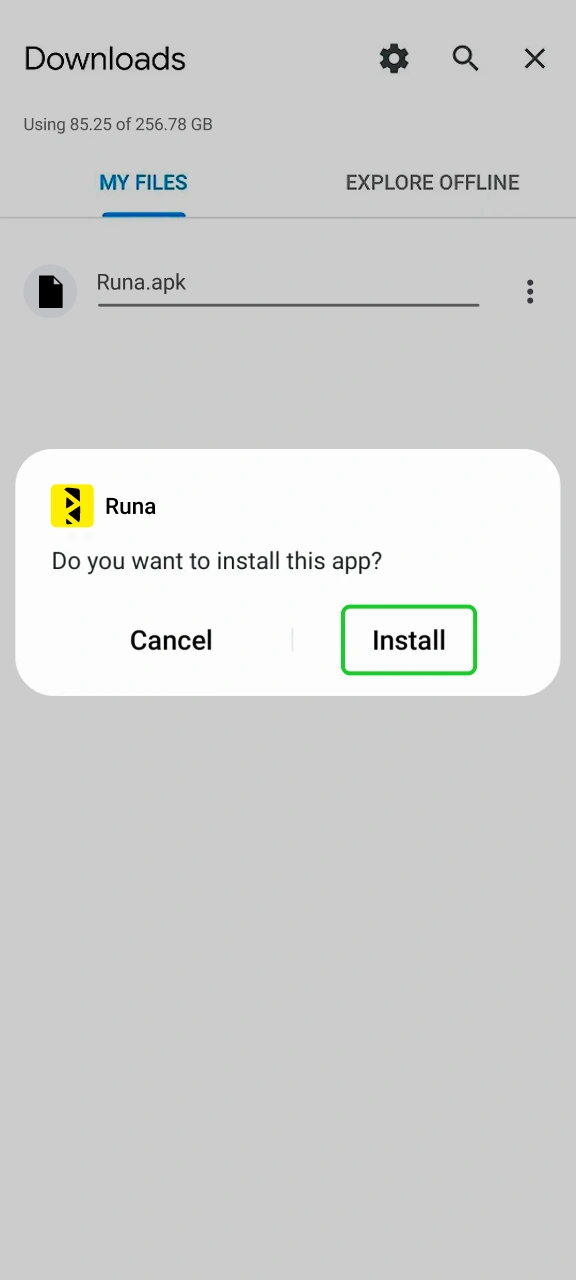
Official Android App Page
Install, then sign in
Open the downloaded file, install it, and log in or register. First deposit starts at £20.
No iPhone app: using Runa on iOS
Since Runa doesn’t offer an official iPhone app, iOS users can just use the mobile website in Safari. You can easily add a shortcut to your home screen for quick access, but it remains a web version rather than a downloadable app.
Step 1
Open Runa in Safari
Go to the official Runa site in Safari. This only works in Safari, not Chrome.
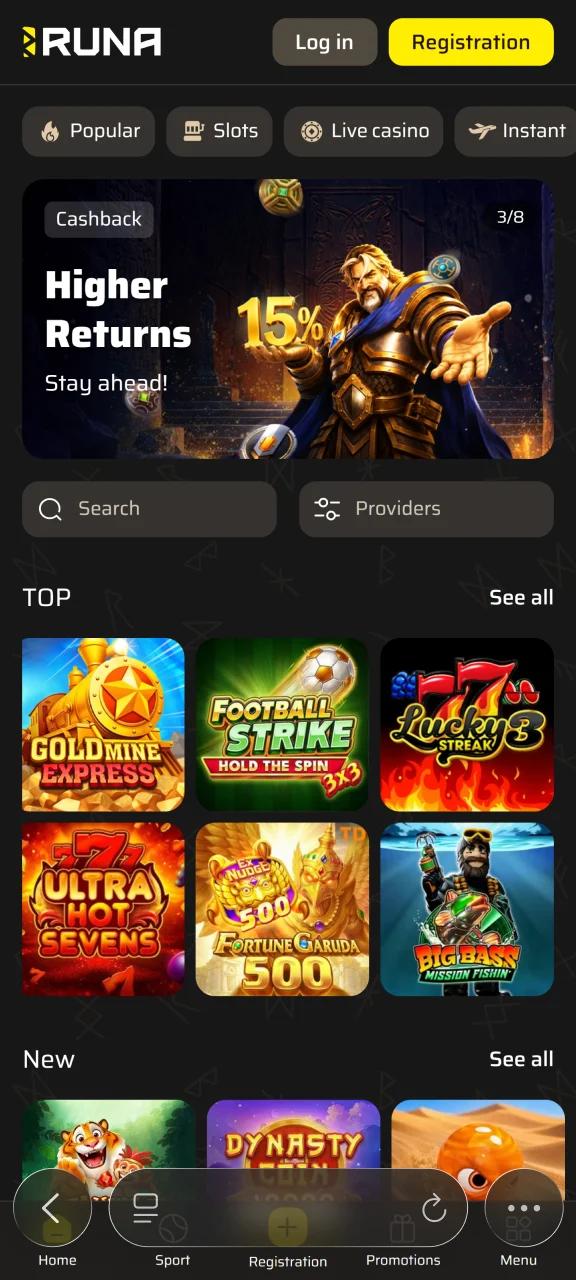
Step 2
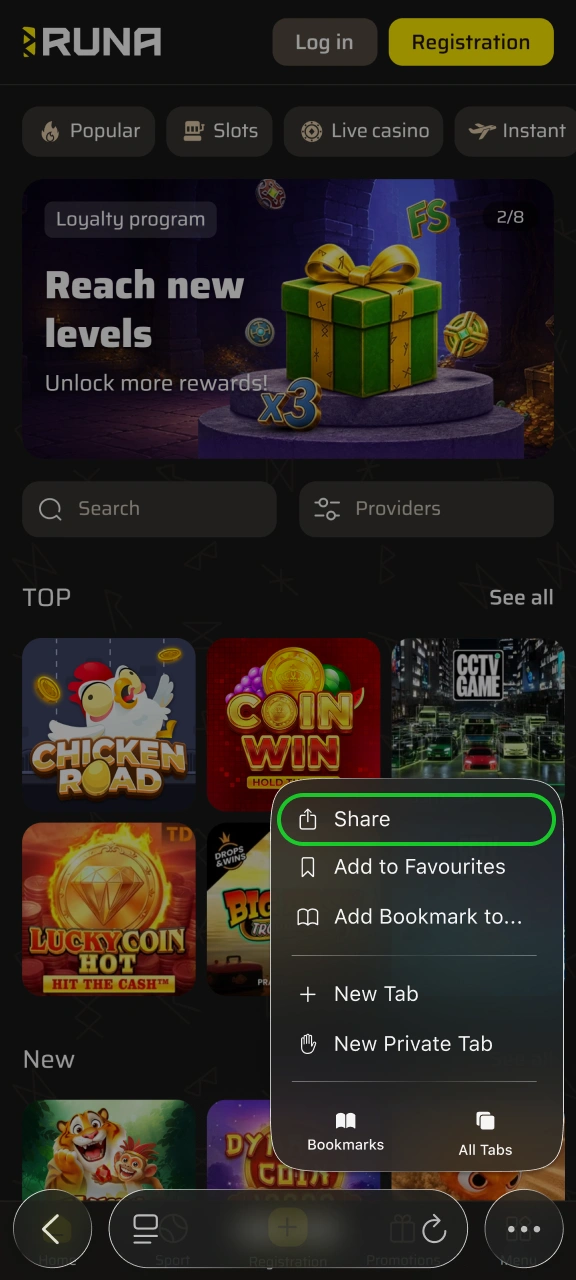
Tap the Share button
Tap the Share icon at the bottom, the square with an arrow.
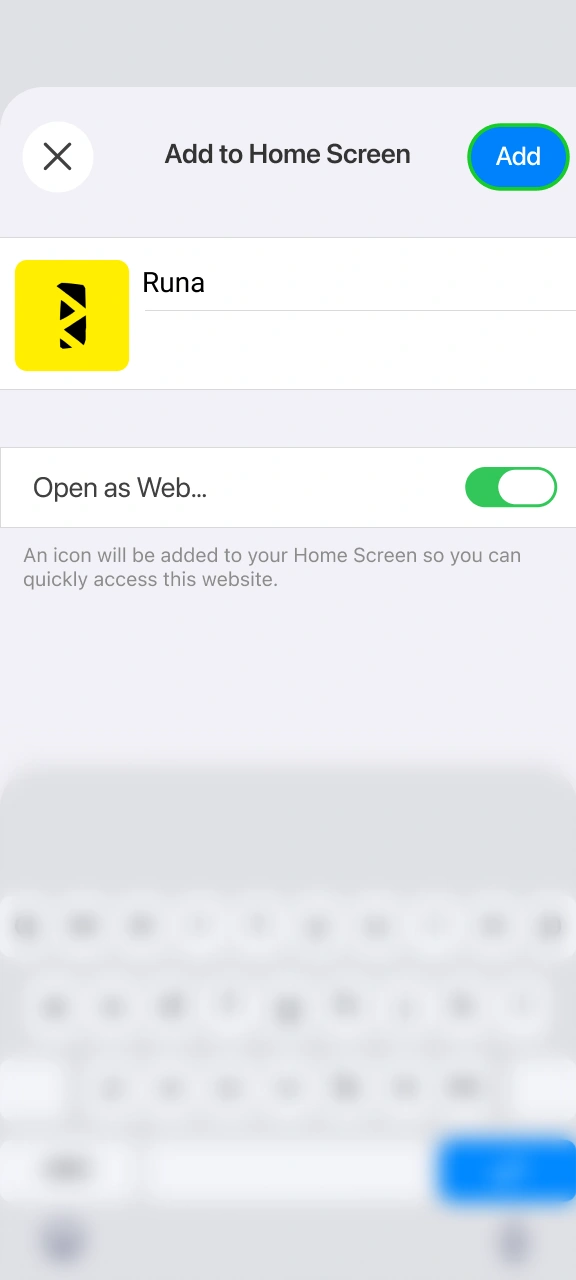
Step 3
Add to Home Screen
Scroll down and tap Add to Home Screen, then confirm.
Step 4
Open from your home screen
Launch Runa from the new icon, then log in or register.
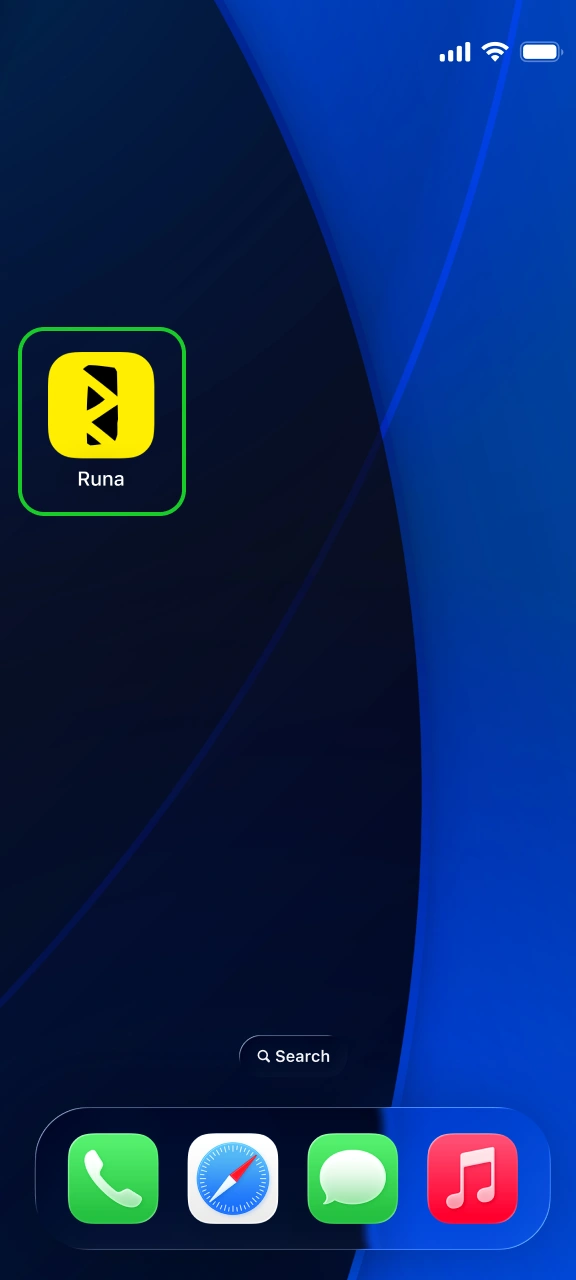
Checking you’ve got the real app, and the permissions
Since the APK comes from Runa themselves rather than a store, a couple of checks are worth doing.
- Check your device settings to confirm com.productwv.index94.app after setup;
- The app asks for camera, microphone, background activity, and boot startup access. Camera and mic are usually just for ID checks;
- If you dislike the background activity, you can turn it off in your Android settings;
- Always download the file directly from the official Runa website, as third-party APK sources can be unsafe.
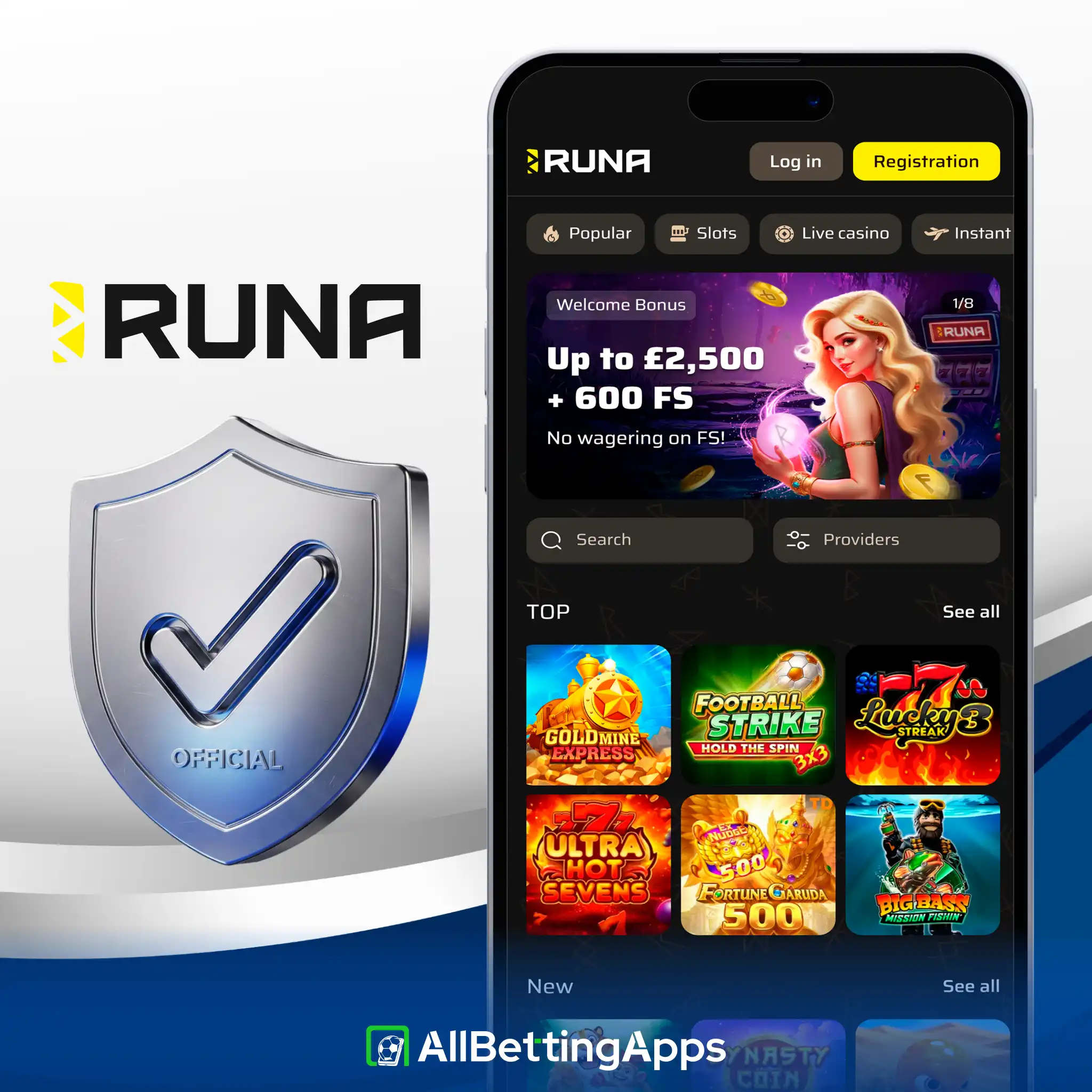
System details
| Field | Value |
|---|---|
| Version | 100.37 |
| Size | 5.4 MB |
| Min Android | 7.0 |
| Package | com.productwv.index94.app |
| Permissions | Internet, storage, camera, microphone, background |
| Build type | WebView wrapper |
The 5.4 MB size and Android 7.0 make this the lightest, most widely compatible app in the group, it went onto the old Pixel 2 XL without issues. Because this app is a WebView build, it just opens the Runa website inside the app shell. Just keep in mind that it asks for broader phone permissions before you decide to install it.
Our test of the Runa app
Testing status: hands-on tested
Testing the app on Android and using the Safari mobile site on iPhone both worked nicely. Creating an account, adding money, and placing a bet went through without any problems, with bets confirming in about 19 seconds. A great feature during registration is the option to sign up with your Google account instead of typing in all your details manually. Live chat support was also fast, answering questions in under a minute.
| Check | Result |
|---|---|
| APK install | Fine |
| Google sign-up | Works |
| Deposit | Fine |
| Bet placement | Fine, ~19s |
| Cash Out | Full only |
| Live chat wait | Under a minute |
Ran on Pixel 10 Pro, Pixel 2 XL, Galaxy S25, Galaxy A17 (app), plus iPhone 15 Pro Max and iPhone 11 (Safari site).
What you can bet on and with
Runa keeps its sportsbook quite simple. You get live betting and a handy stats section, but there is no Bet Builder, no live streaming, and you can only cash out your full bet. It gives you all the core betting options without any unnecessary features.
| Feature | On Runa |
|---|---|
| Statistics | Yes |
| Live betting | Yes |
| Cash Out | Full only |
| Bet Builder | No |
| Live streaming | No |
How to register with Runa
Registration in the app of Runa is very easy for everyone. Here is what you will need to do:
- Install the Android app, or open the mobile site on iPhone.
- Tap Register. You can sign up with email or continue with Google.
- Enter your email and password, set currency to British Pound (GBP), and confirm you’re 18 or over.
- Complete any checks, then deposit from £20 to start betting.
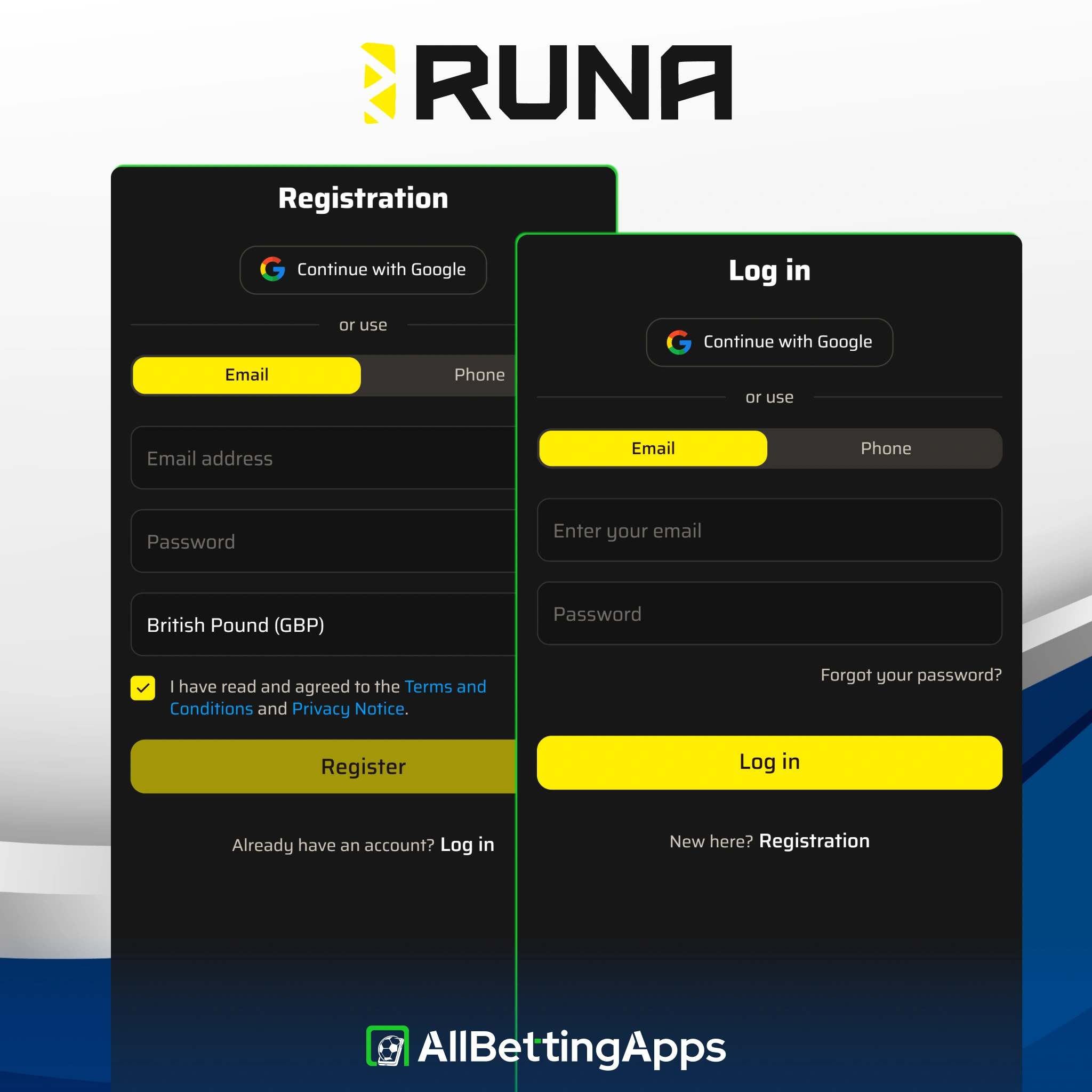
Range of Payment Methods
Runa is flexible for both deposits and withdrawals. You can start depositing from just £15 using Mastercard, Revolut, or online banking, or from £25 using Skrill. For withdrawals, there are a lot more options, as cards, Faster Payments, standard bank transfers, and several crypto choices are available with a low £20 minimum withdrawal. Faster Payments makes sure quick withdrawals are possible, which is a rare feature among offshore sites. PayPal is not supported, and Skrill is currently the only e-wallet available.
| Minimum deposit | £15 (card), £25 (Skrill) |
| Minimum withdrawal | £20 |
| Deposit methods | Mastercard, Revolut, Online Banking, Skrill (Visa via Revolut card) |
| Withdrawal methods | Faster Payments, cards, bank transfer, crypto |
| Crypto | BTC, LTC, ETH, USDT, USDC, TON, BNB, Dogecoin, Tron |
| Withdrawal time | 1-3 business days, free |
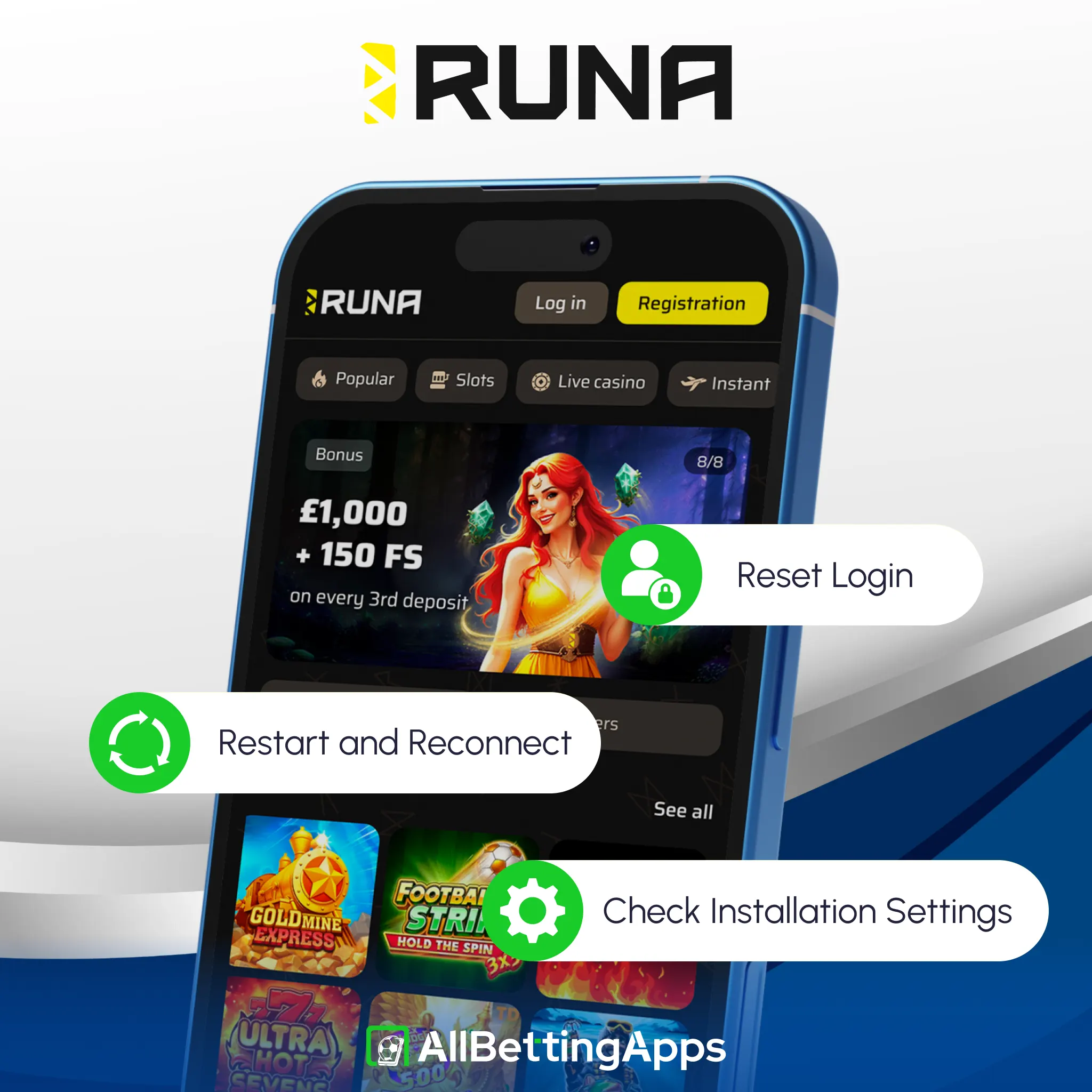
If the Runa app won’t cooperate
Players that used the Runa app mentioned issues that can potentially happen, which are:
- Install blocked: confirm you’re on Android 7.0+ and that unknown-source installs are allowed.
- Barely any space needed: at 5.4 MB storage is rarely the culprit, restart and retry if install fails.
- App won’t load: it’s a WebView, so faults are usually connection-side, check your network, force-close and reopen.
- No auto-updates: installed outside Play, it won’t update itself, grab a fresh APK from the site when needed.
- Login issues: reset the password or use Google sign-in; live chat handles a locked account.
The Runa sports offer
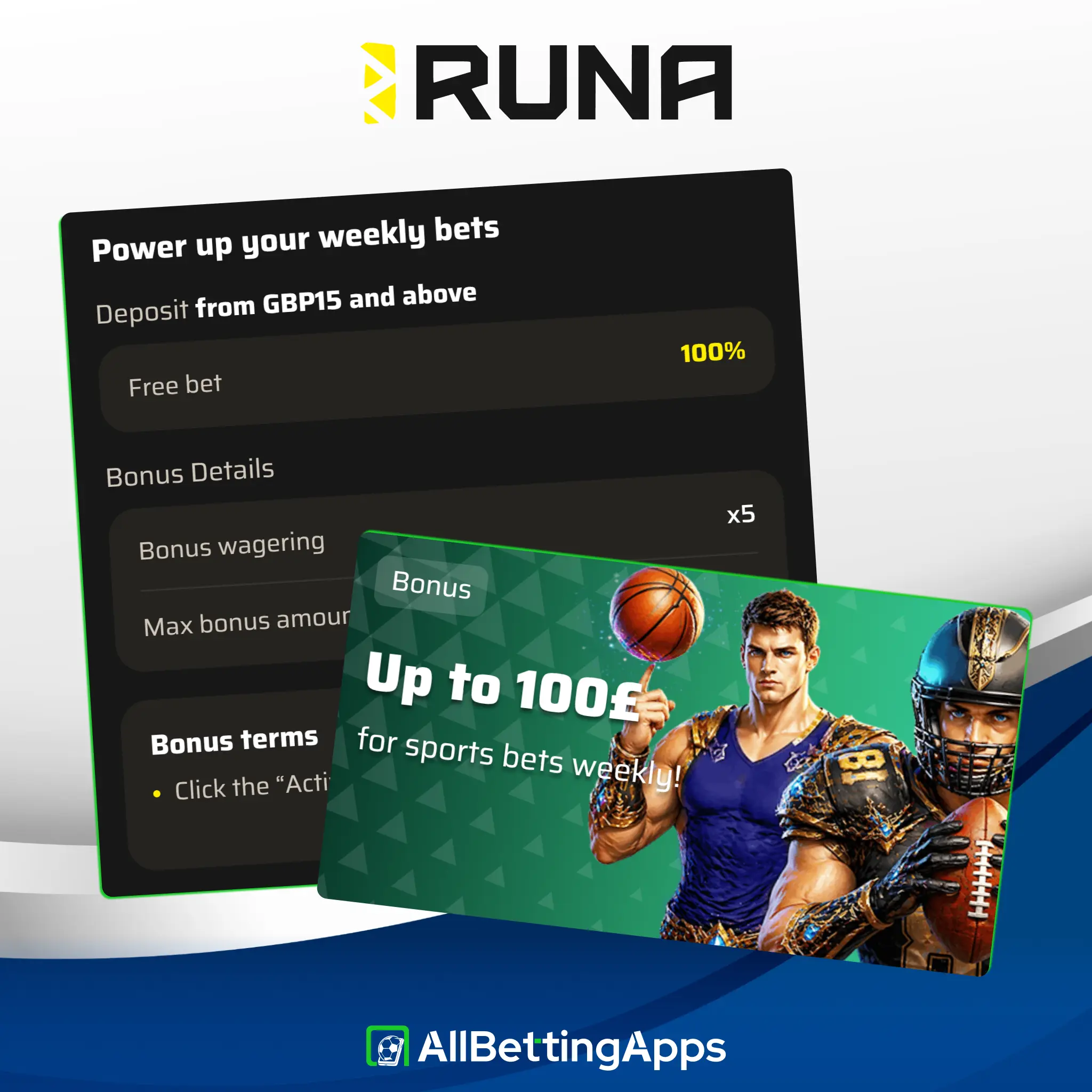
Runa’s sports promotion is a weekly bonus of up to £100 for sports betting, a reload you can claim each week rather than a one-time welcome.
- Offer: up to £100 weekly on sports
- Wagering, qualifying odds and time limits: not detailed on the promo screen
Check the operator’s terms for the wagering and eligible bets before claiming. (The larger casino welcome you’ll see advertised is a slots offer and doesn’t apply to sports, so it’s left out here.)
Legal and responsible gambling
18+. Gambling involves risk. Only bet what you can afford to lose. See our responsible gambling guide for support, limits and self-exclusion tools.
- UK availability: accepts UK players.
- Licence: Costa Rica (not UKGC).
- Operator: Aurora Dynamics Sociedad.
- Last checked: October 2026.
FAQ
Is there a Runa app for iPhone?
No. Android only, as an APK from the operator’s site. iPhone users get the Safari mobile site.
How can I deposit and withdraw at Runa?
Deposit by Visa, Mastercard, Revolut, Online Banking or Skrill. Withdraw via Faster Payments, cards, bank transfer or crypto, from a £20 minimum.
How big is the Runa app?
5.4 MB, the smallest in our group, needing Android 7.0 or later.
What permissions does the Runa app want?
Camera, microphone and background activity, more than most. The camera and mic are usually for verification.
Does Runa have Cash Out?
Yes, full Cash Out only, no partial.
Is Runa safe?
It accepts UK players under a Costa Rica licence, not UKGC, and asks for wide permissions. Weigh both before depositing, and gamble responsibly.
Post author
Comments