
 Written by
Theo White
Written by
Theo White

LuckyWave App Latest Version Download for Android (APK) and iPhone
up to £100 in free bets
Android
APK from the official site
iPhone
available on the App Store
UK players
accepted
Last checked
October 2026
Testing status:
hands-on tested
Pros
-
UK bank support: Monzo, Barclays, Lloyds, Revolut.
-
Real iPhone app on the App Store, rare in this group.
-
Low £20 minimum withdrawal, matching the deposit floor.
-
Virtual sports included.
-
Clean permissions, no camera or location access.
-
Fast live chat, under a minute, 24/7.
Cons
-
No Apple Pay, Google Pay or e-wallets (though UK banks are supported).
-
£10 minimum bet.
-
No Bet Builder, full-only Cash Out.
-
Free bets expire fast, 3 days.
LuckyWave key facts
LuckyWave is one of the very few brands here with a genuine iPhone app on the App Store, not just a website pinned to the home screen. Android uses an APK download, iOS works straight from the store, and both are real native apps. You can also withdraw money starting from just £20, unlike some rivals that make you reach £100 first, plus you get access to virtual sports. Payments cover UK banks like Monzo and Revolut, and like the other online betting sites not on GamStop, there’s no UKGC licence.
| Field | Value |
|---|---|
| Operator | SEDNA CONSULTING GROUP |
| Android app | APK, 30 MB |
| iPhone app | Yes, App Store, 23 MB |
| UK players | Yes |
| Minimum deposit | £20 |
| Minimum bet | £10 |
| Minimum withdrawal | £20 (low) |
| Cash Out | Full only |
| Statistics | Yes |
| Virtual sports | Yes |
Getting the LuckyWave Android app
The LuckyWave Android app is not on Google Play, so you download it directly as a 30 MB APK file from their website. You can see step-by-step screenshots to guide you through installing it.
Step 1
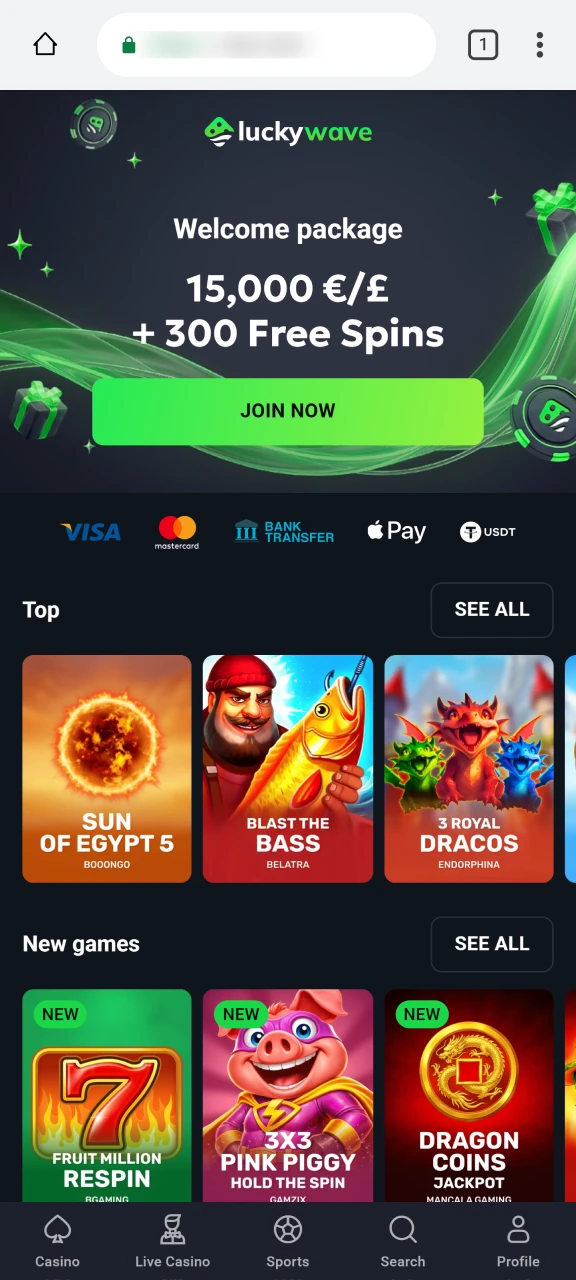
Visit the official LuckyWave site
Open the LuckyWave’s website on your Android phone. Take the file only from here.
Step 2
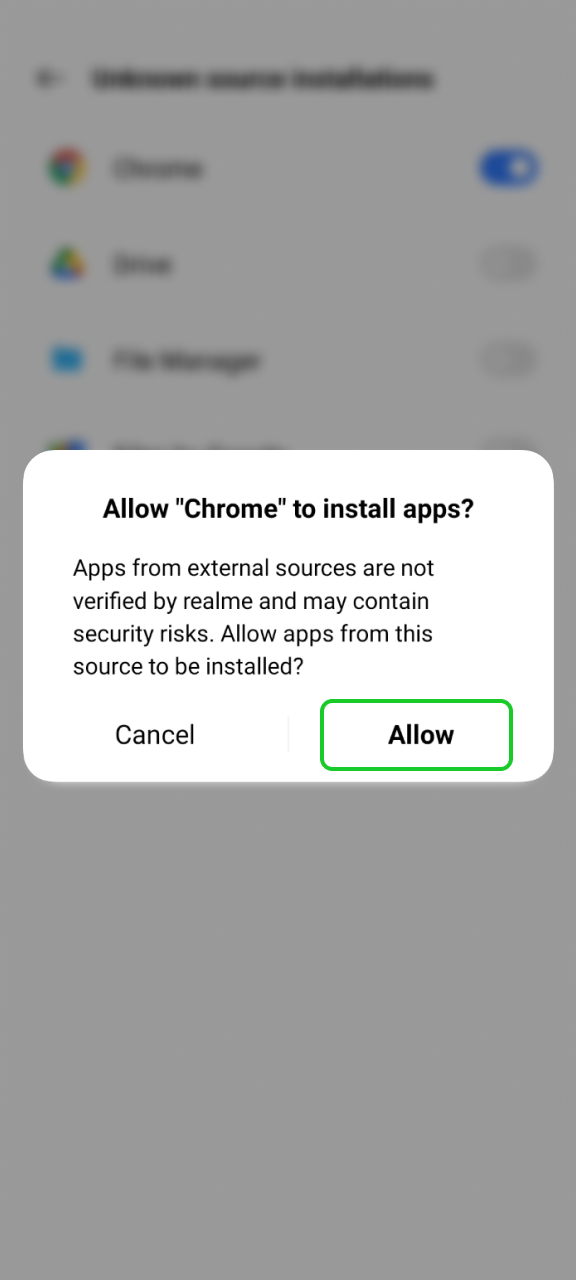
Allow Third-Party Installations
Since the app comes from outside Google Play, your phone will ask for permission first. Just allow your browser to install unknown apps.
Step 3
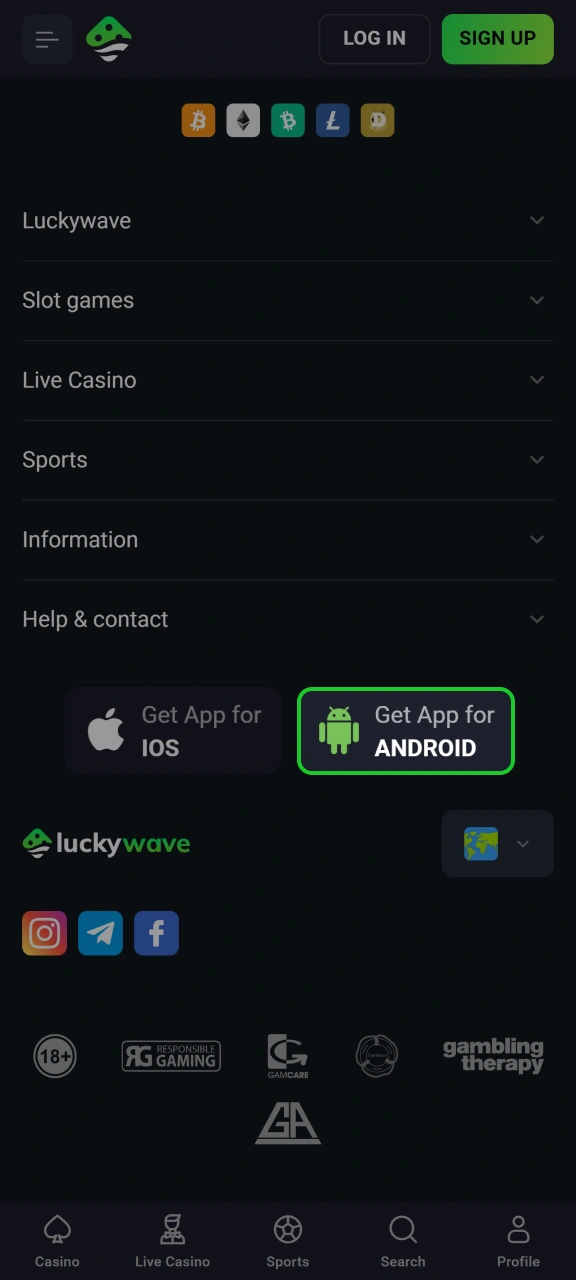
Download
Tap the Android download link and let the 30 MB file finish.
Step 4
Official Android App Page
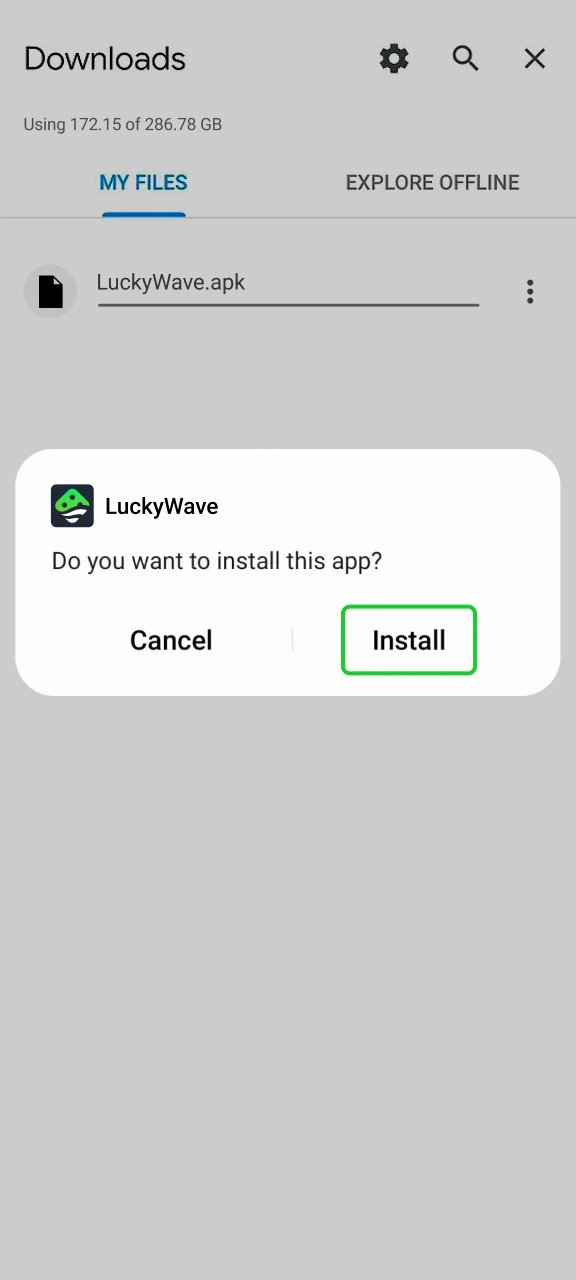
Install and sign in
Open it, install, and register or log in. Deposits start from £20.
Getting the LuckyWave iPhone app
This is the easy part, and where LuckyWave beats most rivals: there’s a real App Store app, so no home-screen workaround. Screenshots match each step.
Step 1
Open the App Store
On your iPhone, open the App Store and search Wave Signals.
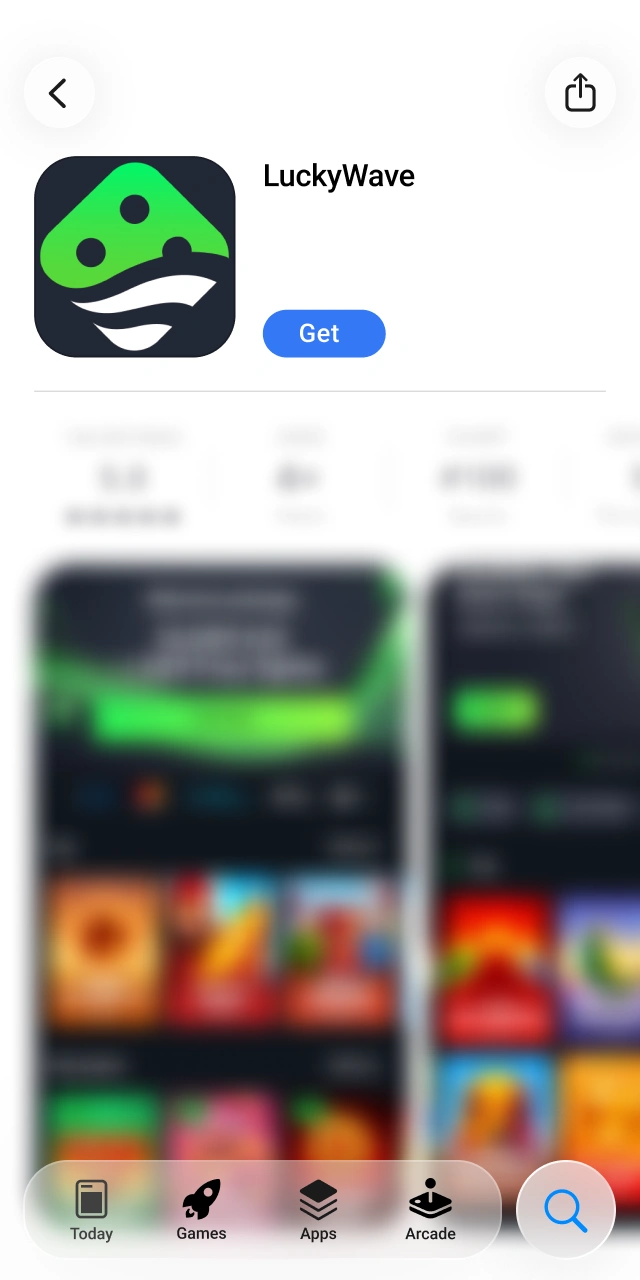
Step 2
Verify the developer
Check the listing shows SEDNA CONSULTING GROUP as the developer, that’s the official publisher.
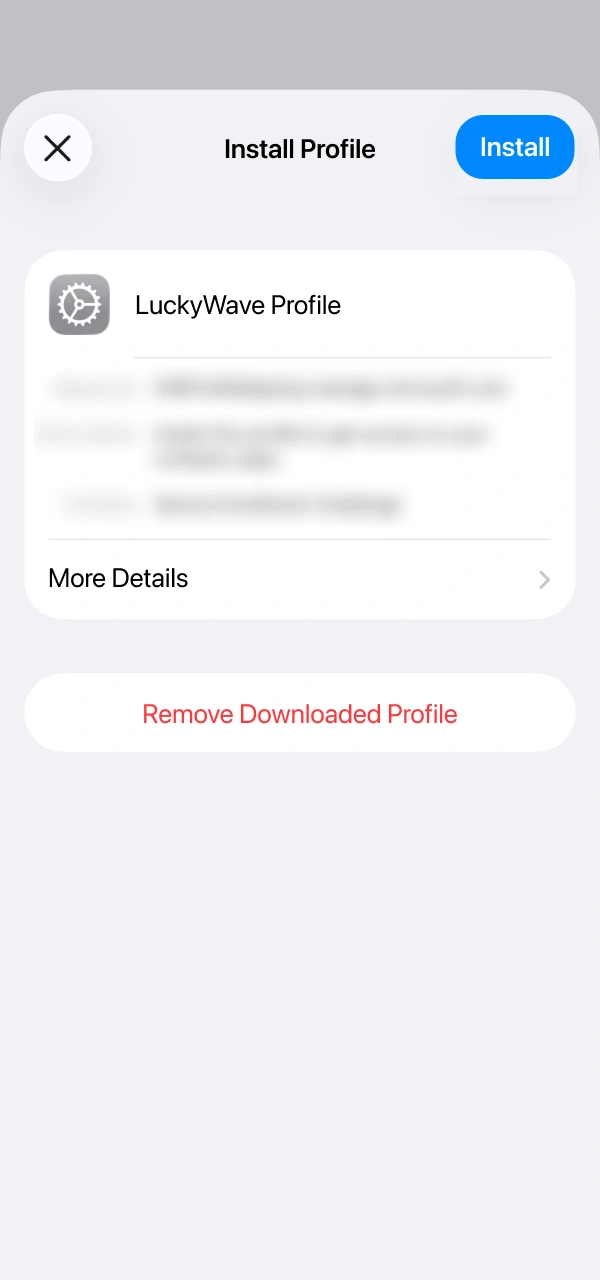
Step 3
Tap Get
Download and install it. The app is 23 MB and needs iOS 13.0 or later.
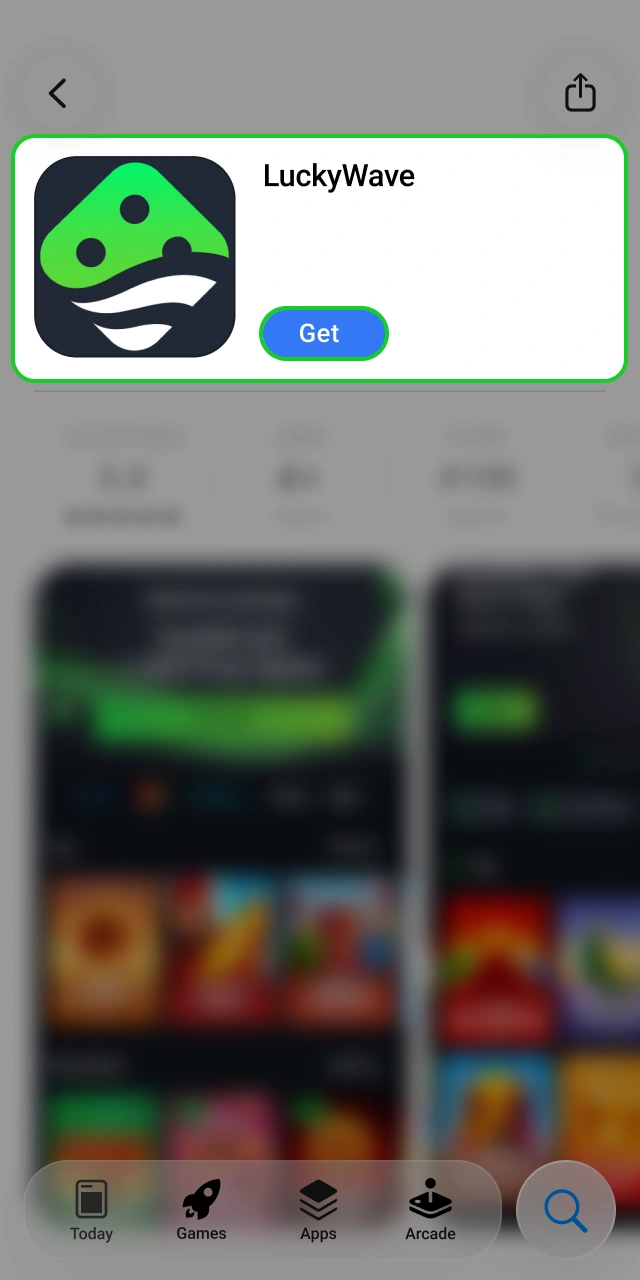
Step 4
Open and sign in
Launch it, then register or log in.
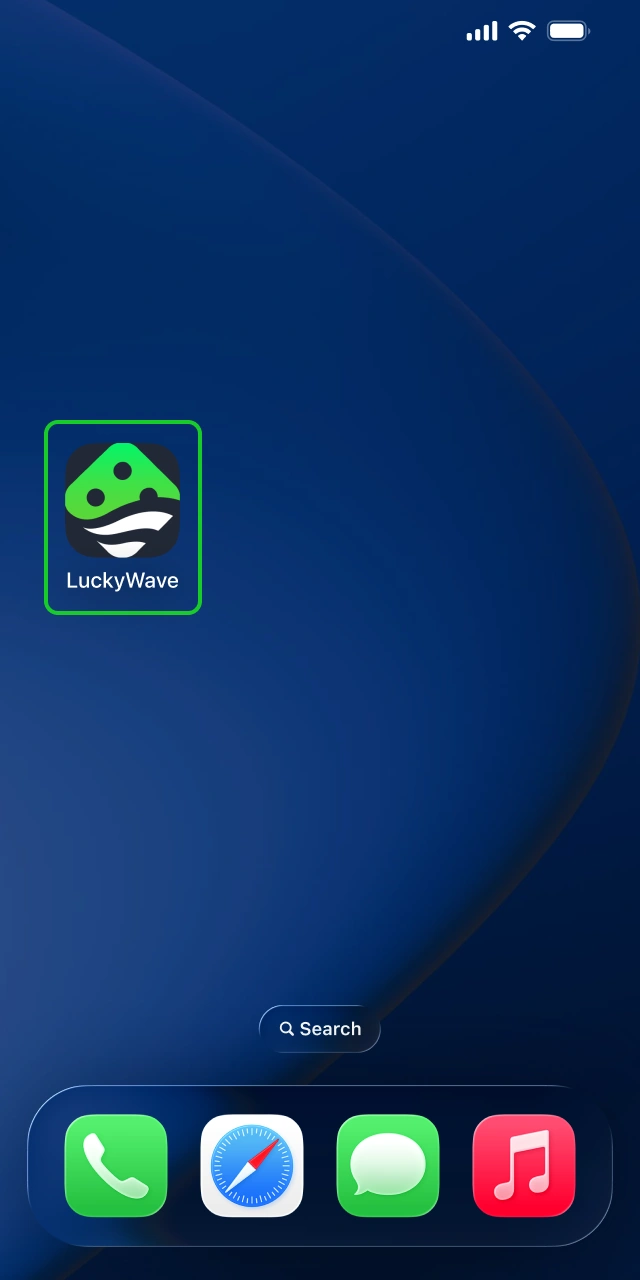
Confirming the real app
Make sure you download the official app so your phone stays safe. Here is how you can check that you have the real app installed:
- Check your settings after installing to see com.apkluckywave;
- Make sure the App Store developer says SEDNA CONSULTING GROUP;
- The Android app only asks for internet, storage, and notifications, nothing else;
- Only download the Android app from the official website and the iOS app directly from the App Store.
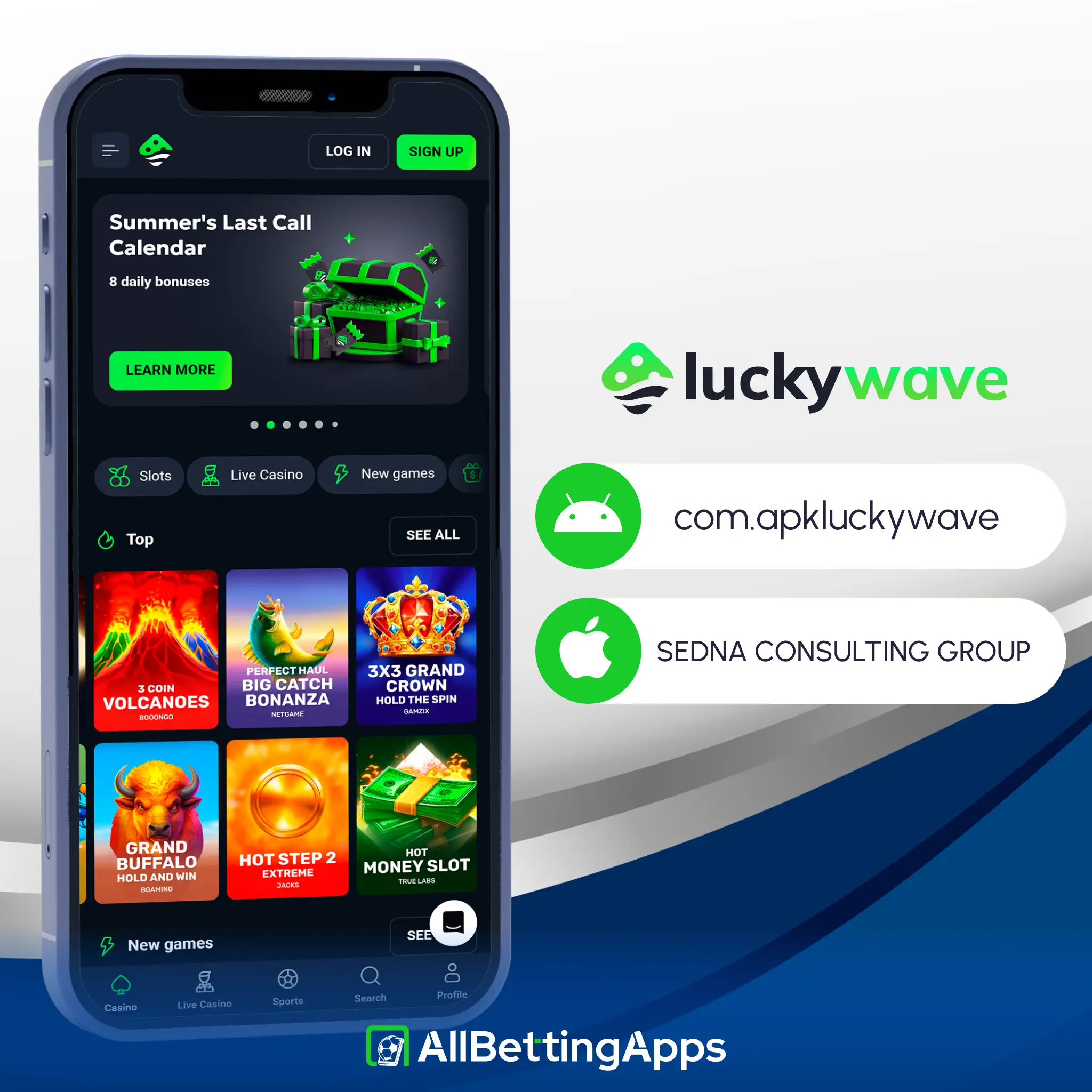
App specs for Android and iPhone
| Android | iPhone | |
|---|---|---|
| Version | 1.0.1 | 1.3.5 |
| Size | 30 MB | 23 MB |
| Minimum OS | Android 7.0 | iOS 13.0 |
| Source | APK from site | App Store |
Both apps are real native builds instead of just a basic website wrapper. The Android app only asks for normal permissions, which helps show the site is safe and trustworthy.
Our test of the LuckyWave app
Testing status: hands-on tested
Because LuckyWave has a real iOS build, I tested a proper app on both sides rather than a web app on iPhone. Sign-up, deposit and bet placement cleared on every device, with a bet taking about 20 seconds. The Android APK went onto the old Pixel 2 XL fine, and the App Store version ran on both iPhones. Live chat replied within a minute.
| Check | Result |
|---|---|
| Android APK install | Fine |
| iPhone App Store install | Fine |
| Login | Fine |
| Deposit | Fine |
| Bet placement | Fine, ~20s |
| Cash Out | Full only |
| Live chat wait | Under a minute |
Devices: Pixel 10 Pro, Pixel 2 XL, Galaxy S25, Galaxy A17 (Android), iPhone 15 Pro Max, iPhone 11 (App Store app).
Features, including virtual sports
The LuckyWave app covers all the main sports and adds virtual games, which is great when no real matches are playing. Live betting is fast, and you get a clear stats tool right inside the app. On the downside, there is no Bet Builder, live streaming has more tools, and you can only cash out you full bet. Overall, it covers the basics well without adding too many flashy tools.
| Feature | On LuckyWave |
|---|---|
| Virtual sports | Yes |
| Statistics | Yes |
| Live betting | Yes |
| Cash Out | Full only |
| Bet Builder | No |
| Live streaming | Conditional |
How to register with LuckyWave
Before you can use the LuckyWave app, you first need to get yourself an account. For that, you will need to:
- Install the app. Get the Android APK from the site, or the iPhone app from the App Store.
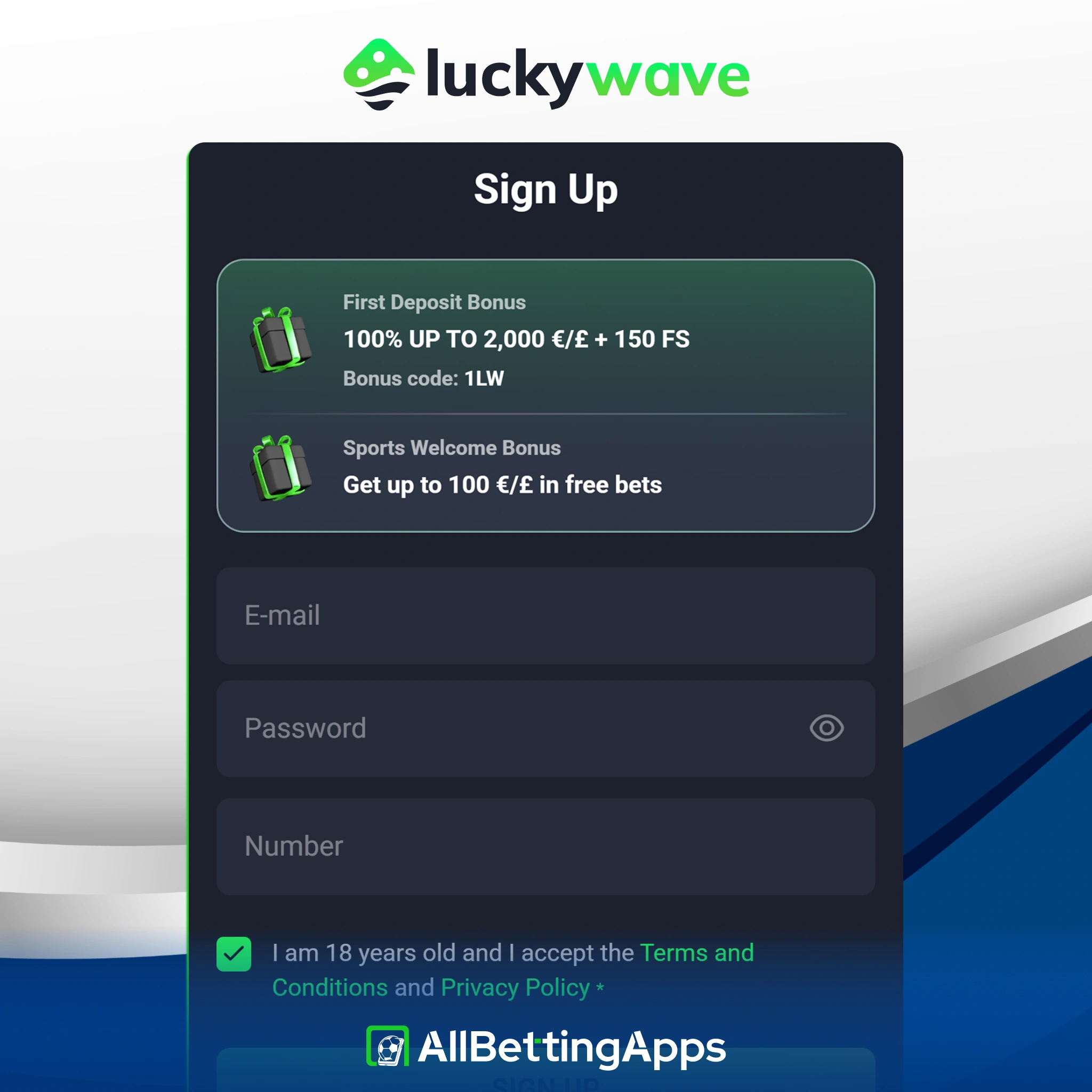
- Start registration. Tap Sign Up. You can add bonus code 1LW here to claim the welcome offer.
- Enter your details. Enter your email, password and phone number, and confirm you’re 18 or over.
- Verify and deposit. Complete any checks, then deposit from £20 to start.
Deposits and withdrawals in the LuckyWave app
Payment options are better than you might expect from a simple sportsbook. LuckyWave supports major UK bank transfers, Visa, Mastercard, and crypto, but it doesn’t take Apple Pay, Google Pay, or PayPal. The best feature is the low £20 minimum withdrawal, so you don’t need to build up a huge balance just to cash out. Withdrawals are completely free and take 1-3 business days.
| Minimum deposit | £20 |
| Minimum withdrawal | £20 |
| Open banking | Monzo, Barclays, Lloyds and Revolut |
| Also | Visa, Mastercard, bank transfer, crypto |
| Withdrawal time | 1-3 business days, free |
Troubleshooting the app
Some players face issues when trying to use the app, and cannot use it in general. The most common issues are:
- Android install blocked: confirm Android 7.0+ and that unknown-source installs are on.
- iPhone install blocked: the App Store app needs iOS 13.0+, update iOS if you’re below it.
- App won’t open: close fully and reopen; if it persists, reinstall (APK on Android, App Store on iPhone).
- Updates: the iPhone app updates through the App Store; the Android APK doesn’t auto-update, so refresh it from the site.
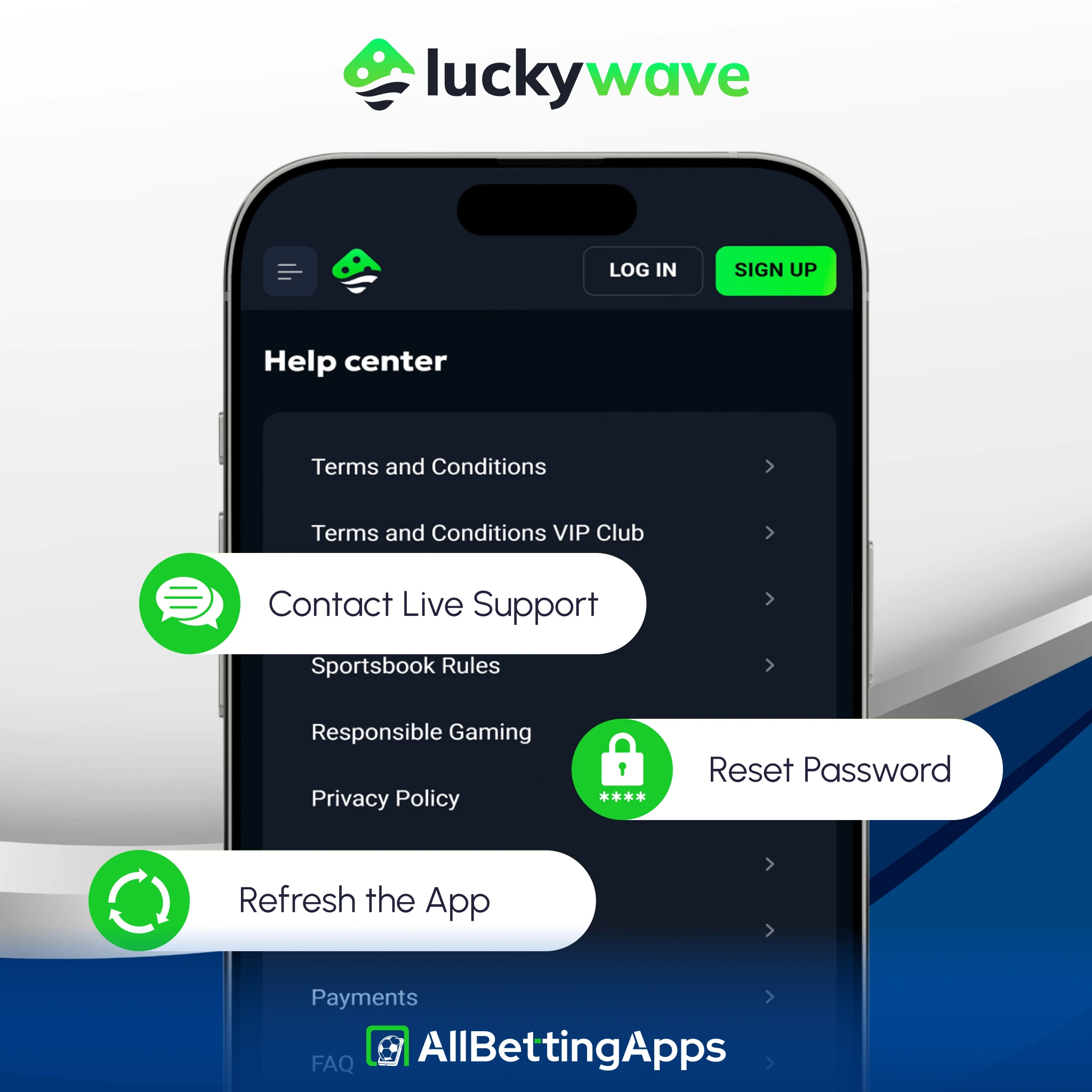
- Login issues: reset the password, or use live chat.
Current LuckyWave offer
LuckyWave gives new players up to £100 in free bets, scaled to your first deposit.
| Deposit | Free bets |
|---|---|
| £20-29.99 | Four £10 (£40) |
| £30-49.99 | Four £15 (£60) |
| £50+ | Four £25 (£100) |
To unlock your bonus, place a real-money bet equal to your deposit at odds of 1.50 or higher. Once this bet finishes, your free bets are added to your account. They are split between pre-match, live, and accumulator bets.
Keep in mind that free bets expire in just 3 days, and the odds are capped at 2.50 for single bets and 10.00 for accumulators. Accumulator free bets must have at least 3 selections at odds of 1.40 or higher each. Make sure to claim the offer within 7 days of signing up.
Alternatives to consider
There are some alternatives that you can consider instead of using LuckyWave, with only slight differences:
Legal and responsible gambling
18+. Gambling involves risk. Only bet what you can afford to lose. See our responsible gambling guide for support, limits and self-exclusion tools.
- UK availability: accepts UK players.
- UKGC licence: not UK-licensed.
- Operator: SEDNA CONSULTING GROUP
- Last checked: October 2026.
FAQ
Is there a LuckyWave iPhone app?
Yes, a real one on the App Store, 23 MB, needing iOS 13.0 or later. That’s uncommon in this group, most are website-only on iPhone.
Is there a LuckyWave Android app?
Yes, as an APK from the operator’s site, 30 MB, Android 7.0 or later.
What’s the minimum withdrawal?
£20, matching the deposit, lower than the £100 some rivals set.
Is the LuckyWave app safe?
It welcomes UK players, though without UKGC licensing. The Android app does keep to standard permissions, no camera or location. Weigh the licence gap and gamble responsibly.
Post author
Comments