
 Written by
Theo White
Written by
Theo White
Google Pay Betting Apps in UK 2026
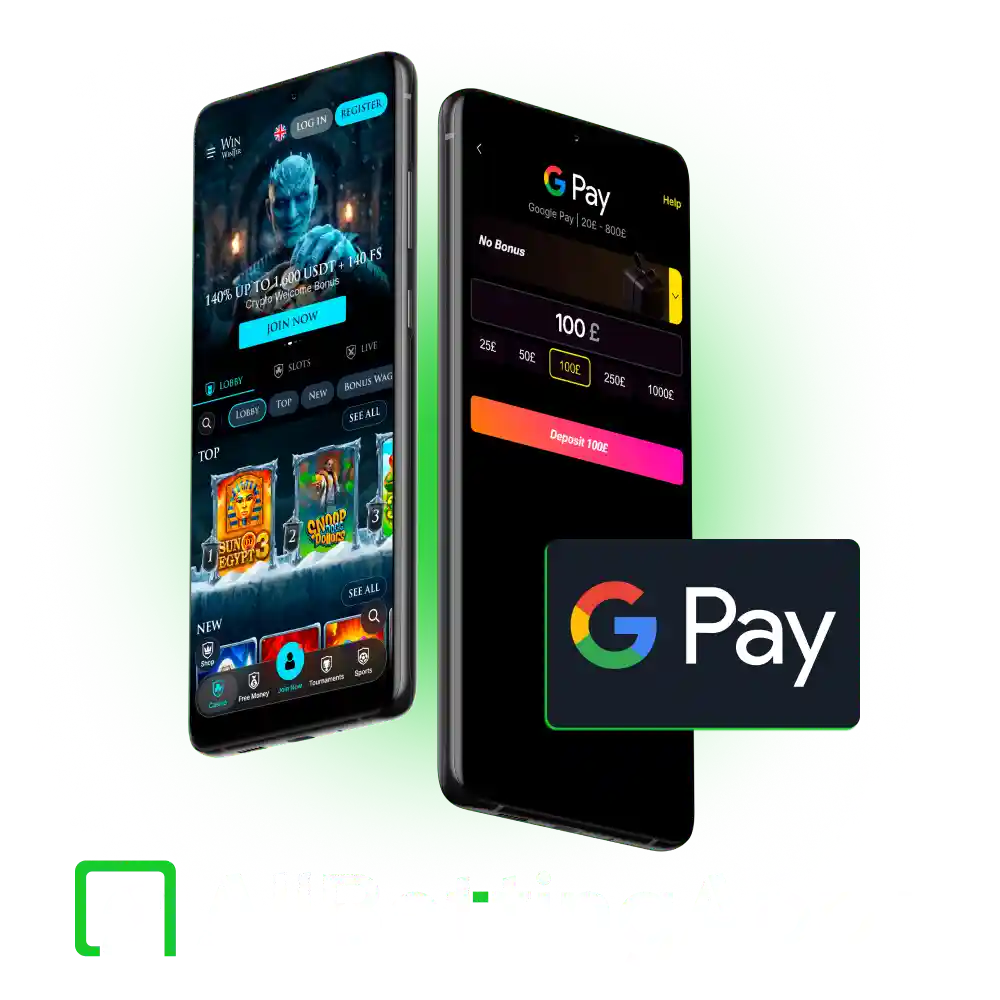
Five of the 12 non GamStop sports betting apps we tested accept Google Pay, which are Basswin, Beonbet, Spinpolo, Daytonaspin, and WinWinter.
You can use Google Pay for deposits only. When you cash out winnings, the money goes back in your Google Pay account. Because these sites run in internet browsers, you can use Google Pay on both your phone and in Chrome on your computer.
Our Testing Policy
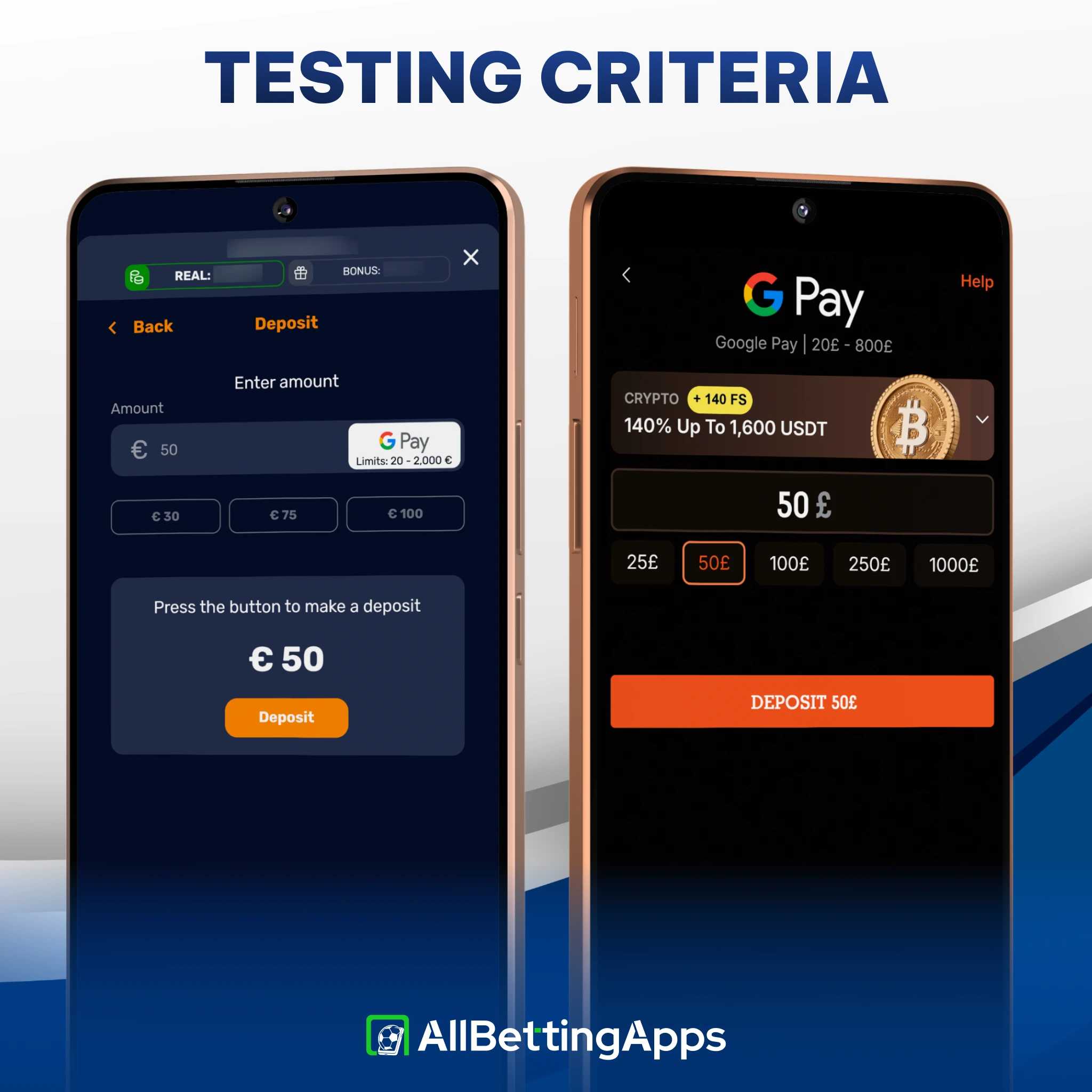
We opened a real account on each app, deposited to it, and placed live bets before writing anything, the same hands-on check behind every method we tested. For Google Pay we confirmed it live in each cashier rather than assuming support from a shared platform or from Apple Pay being present, since the two do not always go together.
Every app ran across the same six devices: Pixel 10 Pro, Pixel 2 XL, Galaxy S25, Galaxy A17, iPhone 15 Pro Max and iPhone 11. Bet placement ran 19 to 21 seconds, timed on each app.
Google Pay betting apps ranked
Ranked by overall rating, with one feature that stood out. Only the five apps that take Google Pay are listed.
| Number | Brand | Rating | Bonus | Highlights | Links |
|---|---|---|---|---|---|
|
1
|

Beonbet |
Welcome Bonus 100% up to £150 |
|
Visit Beonbet Read Review | |
|
2
|

Basswin |
Welcome Bonus 150% deposit bonus for sports betting |
|
Visit Basswin Read Review | |
|
3
|

WinWinter |
Welcome Bonus no sport welcom bonus |
|
Visit WinWinter Read Review | |
|
4
|

Spinpolo |
Welcome Bonus no sport welcom bonus |
|
Visit Spinpolo Read Review | |
|
5
|

Daytonaspin |
Welcome Bonus no sport welcom bonus |
|
Visit Daytonaspin Read Review |
Google Pay acceptance, app by app
The detail below comes from each app’s cashier during testing.
| App | Currency | Google Pay min deposit |
|---|---|---|
| Basswin | EUR | €20 |
| Beonbet | GBP | £20 |
| Spinpolo | EUR | €20 |
| Daytonaspin | GBP | £10 or £20 (being confirmed) |
| WinWinter | GBP | £20 |
Not accepted: Legionbet, Gambiva, Runa, LuckyWave, Wildzy, Prestige Spin and SpellWin.
Points from the data:
- Four of the five are browser apps. Only the Basswin app runs as a native Android build; the Beonbet app, Spinpolo, Daytonaspin and WinWinter are browser or web apps, which is where Google Pay’s Chrome support matters.
- Two run euro cashiers: Basswin and the Spinpolo betting app. A Google Pay deposit into those is converted from sterling.
How Google Pay works on these apps
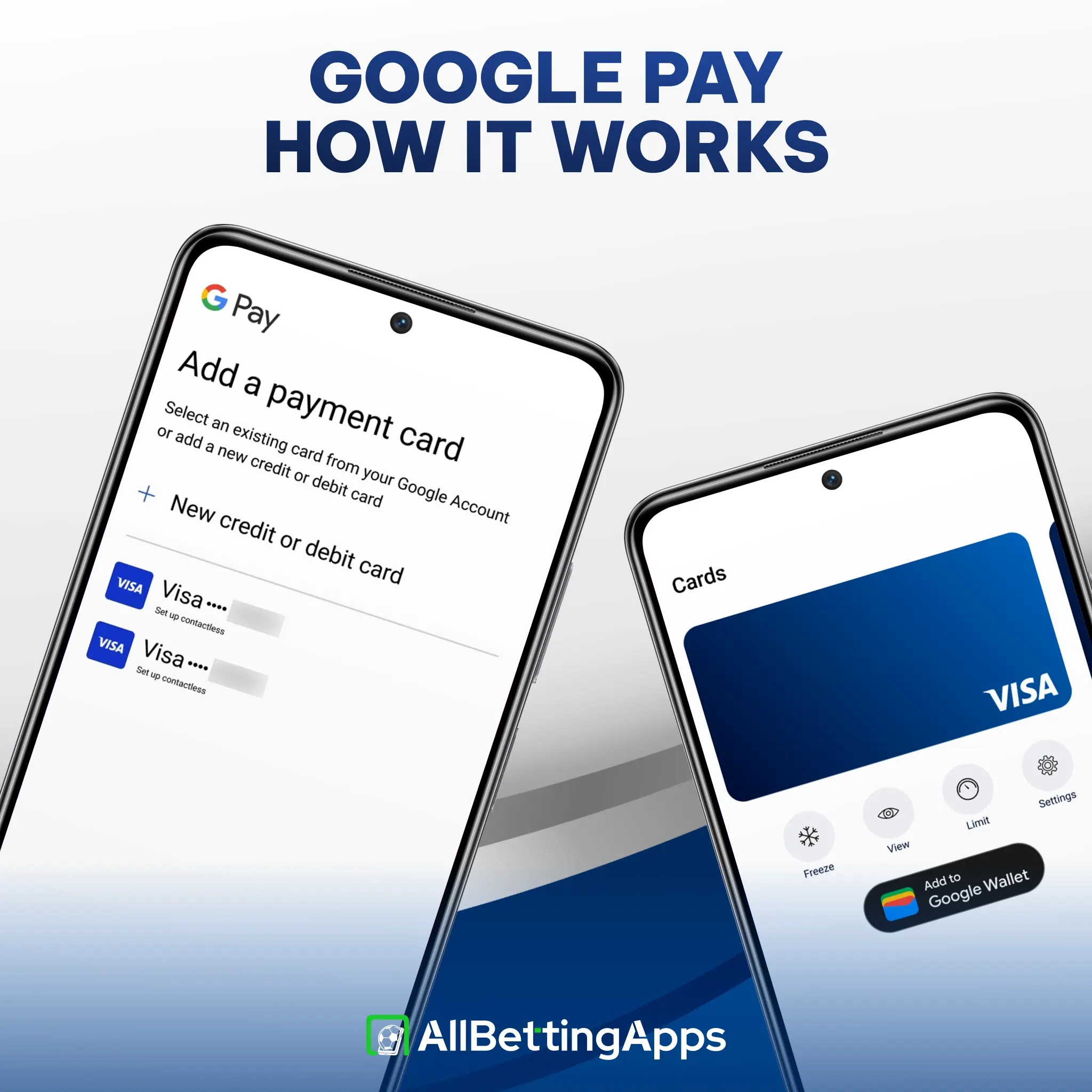
Google Pay is a wrapper for a debit card, not a separate wallet balance. You add a UK debit card to Google Wallet, and at the cashier you pick Google Pay and approve with a fingerprint, face unlock or screen-lock PIN. No card number is typed into the app.
Two practical points. Only a debit card can be added for betting, because credit cards cannot be used to gamble in the UK. And the name on the Google Pay account should match the name on your betting account, since a mismatch is a common reason a deposit is refused.
Pros
-
Accepted at five of the 12 apps we tested
-
Tokenised, so the app never sees your card number
-
Biometric approval adds a security check
-
Works in the Chrome browser, which suits the web apps
-
Low floors, from £10 to £20
Cons
-
Not accepted at the other seven
-
Deposit only; withdrawals go back to the card in 1 to 3 days
-
Android and Chrome only, not iPhone
-
Two apps run euro cashiers, so a sterling deposit is converted
-
No UKGC oversight, no GAMSTOP, no ADR route
Google Pay is deposit only
Google Pay is for deposits only, not withdrawals. When you cash out your winnings, the money goes back to the bank card saved in your Google Wallet.
Your deposit arrives in your account instantly. Withdrawals take 1 to 3 business days to reach your card. Your first payout may take a little longer because the site needs to check your ID first.
The card behind Google Pay
The reason to use Google Pay over typing your card in is privacy and security at the point of payment. Google Pay uses a device token rather than your real card number, so the app never sees or stores the actual card details. The payment is approved with your fingerprint, face or PIN, which adds a check a plain card entry does not have.
That protects the payment step. It does not change what sits behind it, which is a normal Visa or Mastercard debit card, and it does not extend to the app itself, which is offshore.
No Access on iPhone
Google Pay runs on Android phones and Wear OS, and, unlike Apple Pay, it also works in the Chrome browser on a desktop or laptop. That is handy here, because four of these five apps are browser or web apps rather than native installs, so you can fund them through Chrome without a card in hand.
On an iPhone, Google Pay is not the route, as iPhone users would look at Apple Pay instead, which a smaller set of these apps supports.
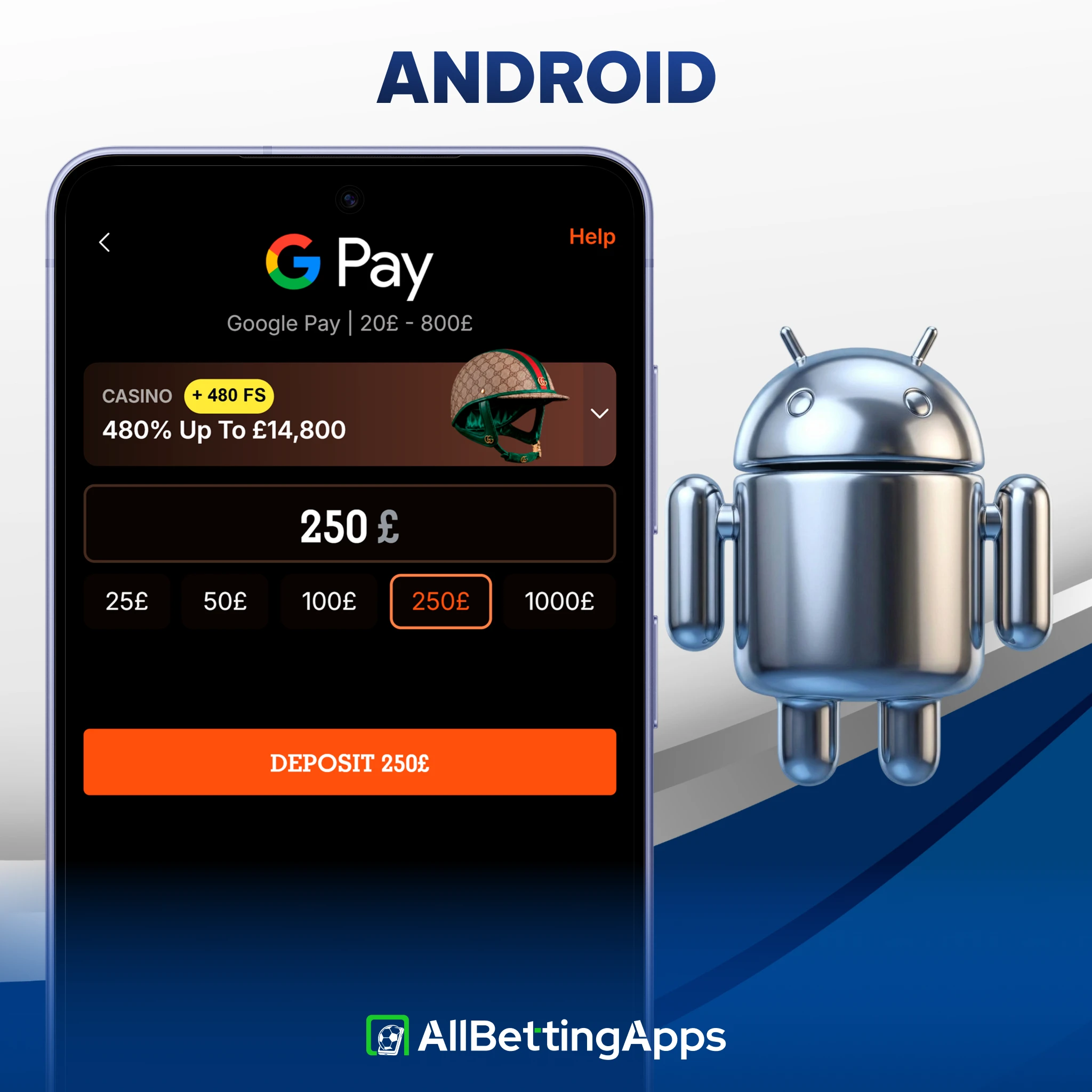
Google Pay Limits
Google Pay has the following limits on each of the platforms we tested:
| App | Google Pay min deposit | Withdrawal (to card) |
|---|---|---|
| Daytonaspin | £10 or £20 (being confirmed) | 1 to 3 business days, free |
| Beonbet | £20 | 1 to 3 business days, free |
| WinWinter | £20 | 1 to 3 business days, free |
| Basswin | €20 | 1 to 3 business days, free |
| Spinpolo | €20 | 1 to 3 business days, free |
Google Pay works for small stakes. Payout times are the same across the group because they run over the card rail, not Google Pay.
On an iPhone, Google Pay is not the route; iPhone users would look at Apple Pay instead, which a smaller set of these apps supports.
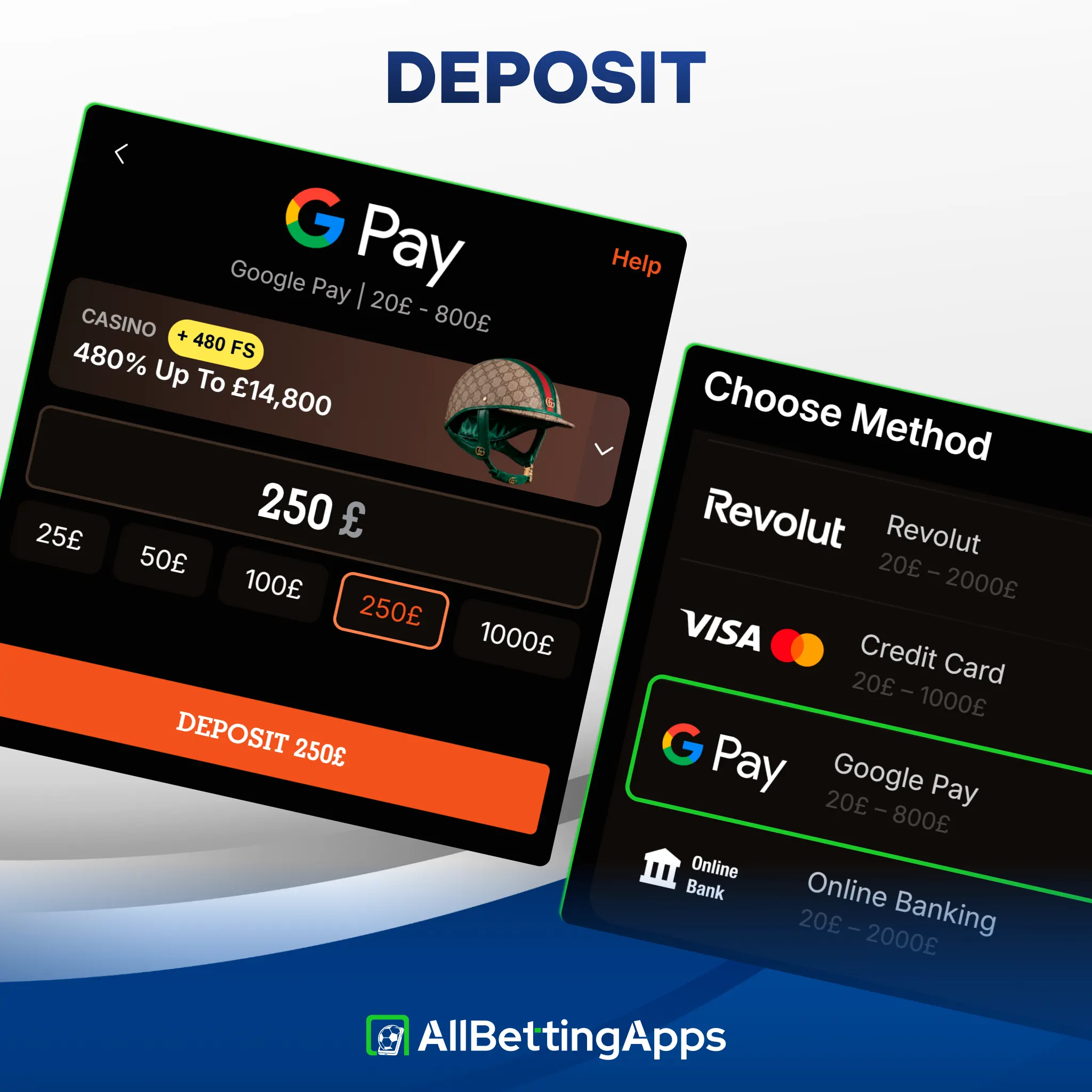
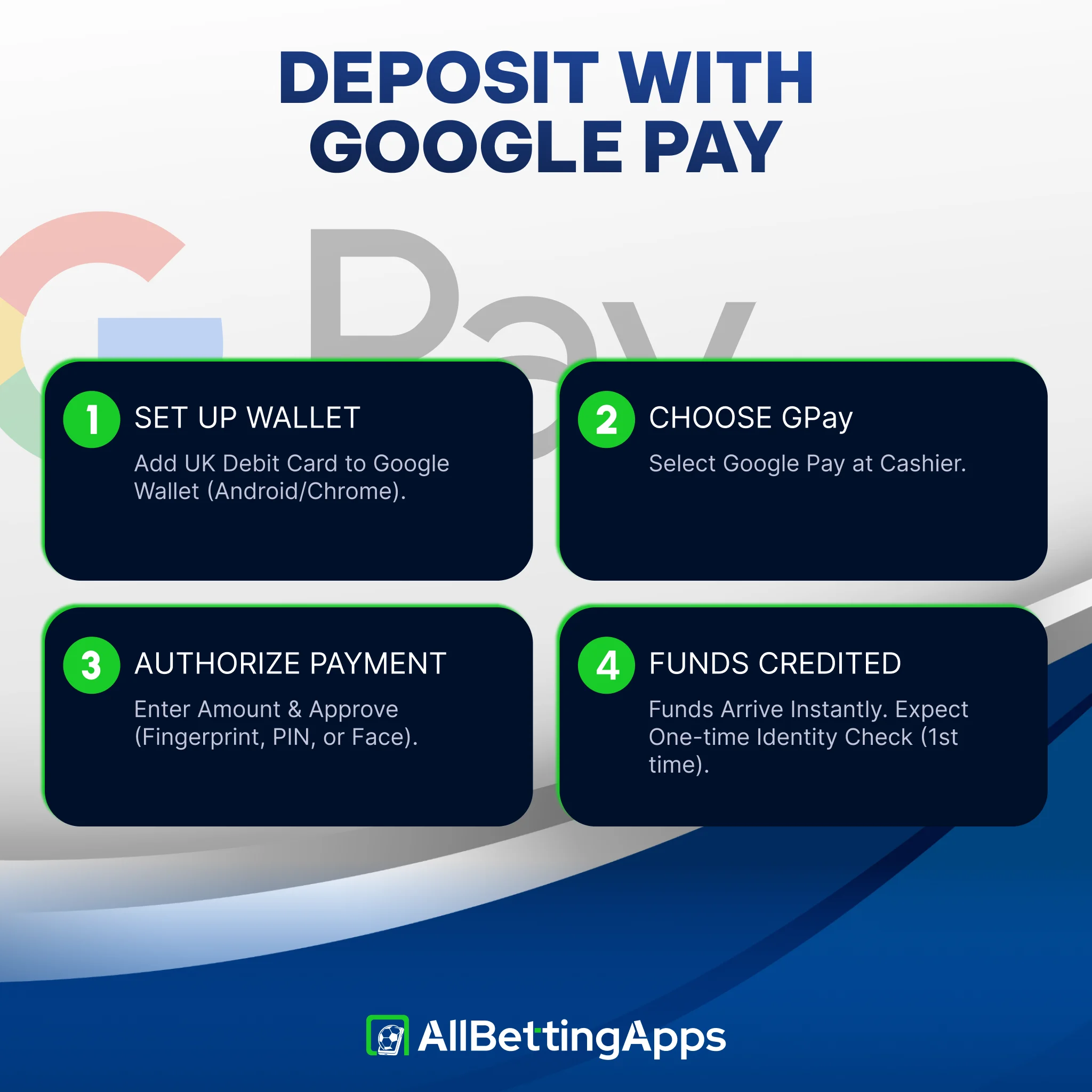
How to deposit with Google Pay
To deposit with Google Pay, follow the next steps:
- Add a UK debit card to Google Wallet on your Android phone or in Chrome.
- Open the app’s cashier and choose Google Pay.
- Enter the amount and approve with your fingerprint, face unlock or screen-lock PIN.
- Funds credit instantly. Expect a one-time identity check around your first deposit or withdrawal.
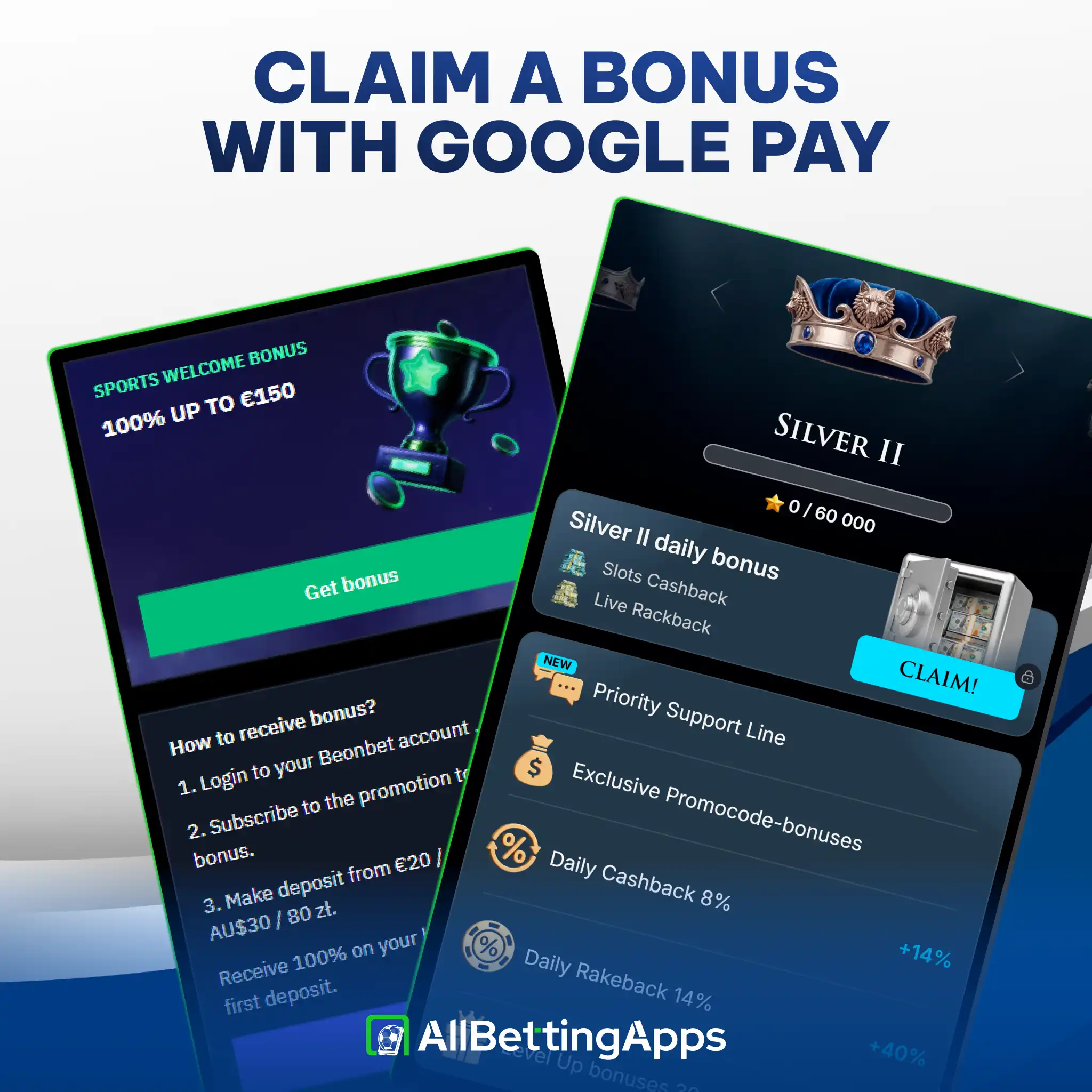
Can you claim a bonus with Google Pay?
Whether a Google Pay deposit earns a bonus depends first on whether the app has a sports offer at all, since several of these five run casino-only headlines.
- Genuine sports welcome among the Google Pay apps: Beonbet (100% up to £150, gentle 5x wagering) and Basswin (150%).
- No sports welcome: Spinpolo, Daytonaspin and WinWinter advertise casino slots packages that do not apply to sports betting, with cashback and VIP perks instead.
Because a Google Pay payment reads as a debit card, it usually qualifies where card deposits qualify, but read the offer terms before depositing rather than assuming.
Privacy of Google Pay
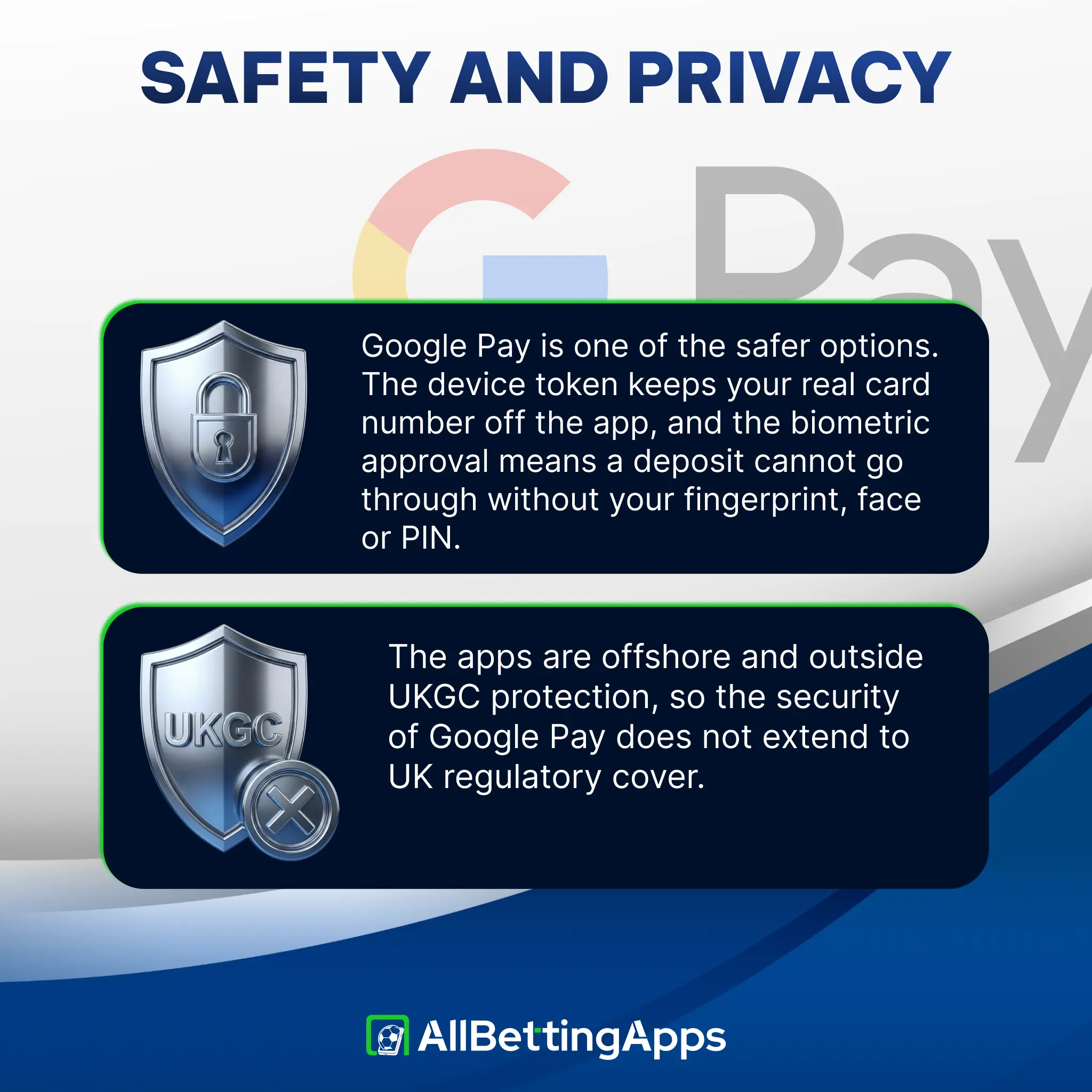
At the point of payment, Google Pay is one of the safer options. The device token keeps your real card number off the app, and the biometric approval means a deposit cannot go through without your fingerprint, face or PIN. Your statement shows the card payment rather than card details typed into a betting site.
The caveat is the app, not the payment. These apps are offshore and outside UKGC protection, so the security of Google Pay does not extend to UK regulatory cover. Deposit only what you are comfortable with.
Other Methods for Payments
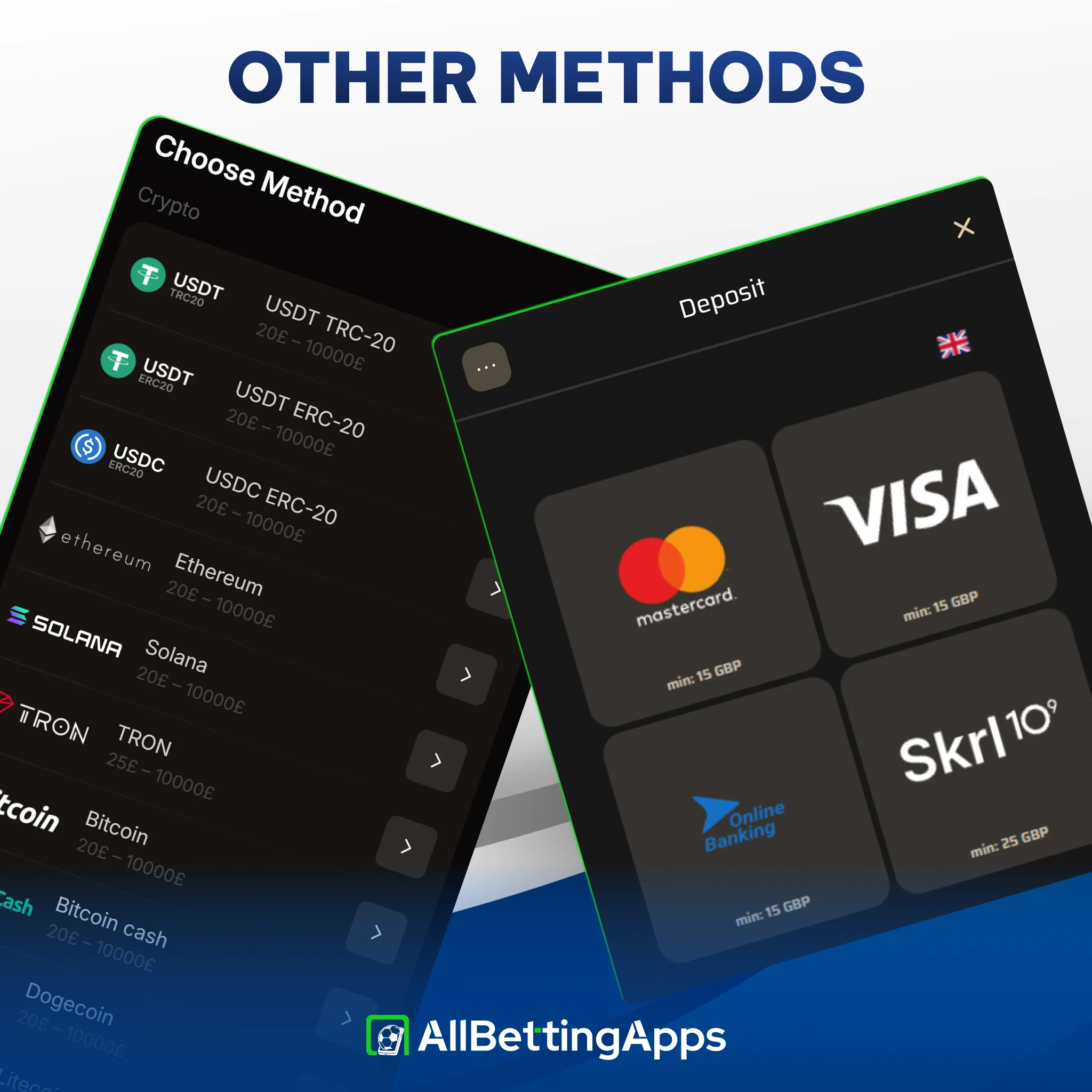
If Google Pay will not go through, or you are on an iPhone, the same apps offer other routes. Cards (Visa or Mastercard) work at all 12 card betting apps, and crypto is accepted at all 12 crypto betting apps too. Revolut works at eight Revolut betting apps, and a bank route covers nine bank transfer betting apps.
Google Pay apps versus UKGC bookmakers
| Point | UKGC bookmakers | The Google Pay apps here |
|---|---|---|
| Google Pay | Accepted at a select group | Accepted at five of 12, deposit only |
| Sign-up checks | Full ID before betting or cash-out | Email and password, no ID at deposit |
| Withdrawal | Google Pay or card, varies | Back to the card in 1 to 3 business days |
| GAMSTOP self-exclusion | Mandatory | Not integrated |
| Dispute recourse | UKGC plus ADR | Offshore licence only |
| Currency | Sterling | GBP at three, euros at two |
The lighter checks come at the cost of UK regulatory protection. There is no GAMSTOP integration and no Alternative Dispute Resolution route.
Is it safe, and gambling responsibly
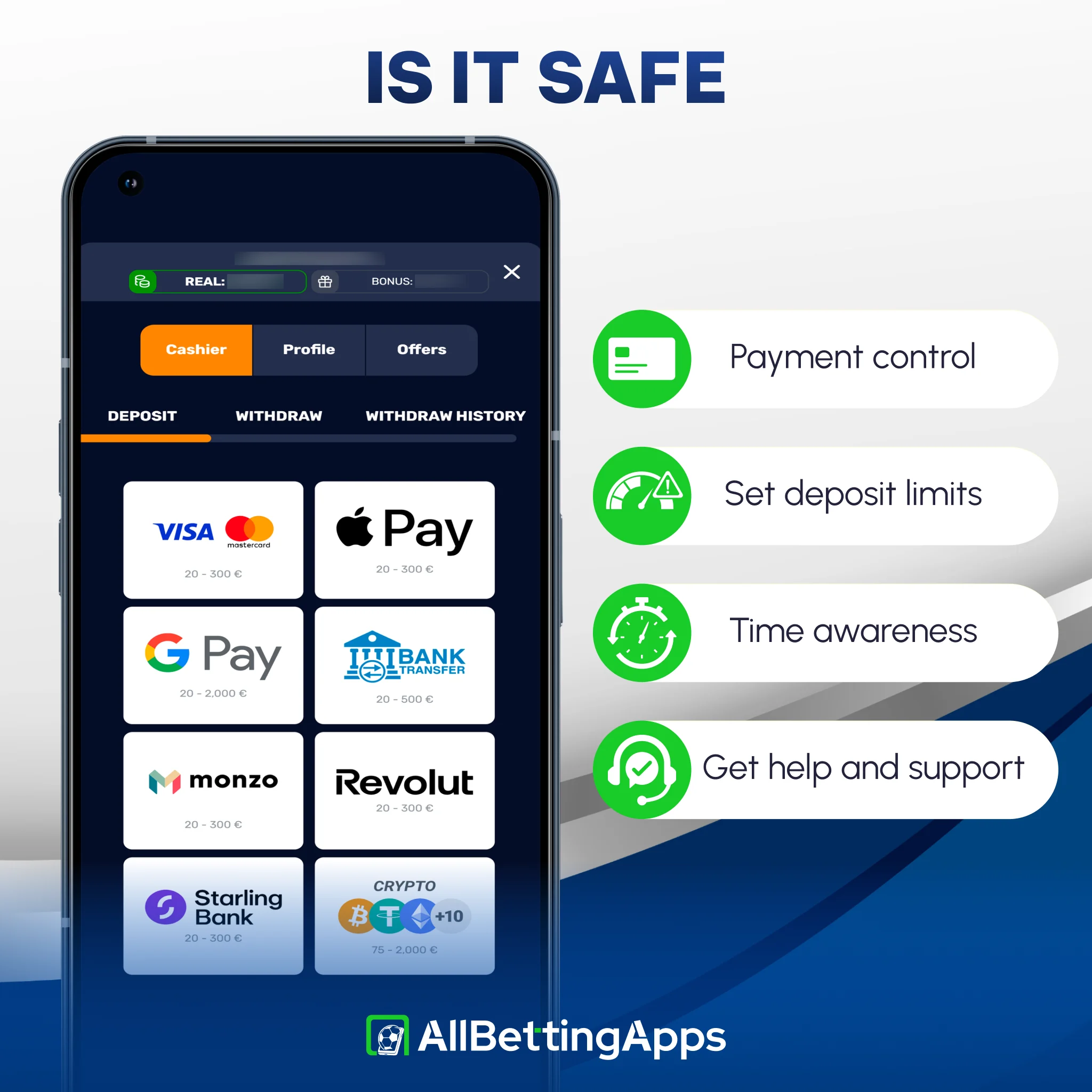
These apps sit outside the UKGC framework, so there is no GAMSTOP, no enforced deposit limit and no affordability check. One control on your side is a bank or card gambling block, which many UK banks offer and which stops payments to betting merchants at source, including through Google Pay since it runs on your debit card.
If gambling is affecting your money, your mood or the people around you, support is free and confidential through GamCare and BeGambleAware.
Legal and responsible gambling
18+. Google Pay makes a deposit a one-tap action, which removes the small pause a card entry gives you, so a deposit limit set in advance matters more here. These apps are off GamStop, so per-app caps and independent blocking tools are what hold, not the scheme; our responsible gambling page covers those and self-exclusion.
- UK availability: five of the 12 apps take Google Pay; all 12 accept UK players.
- Licensing: offshore (Anjouan, Curaçao). None hold a UKGC licence.
- Last checked: October 2026.
Google Pay betting apps: quick answers
Which betting apps accept Google Pay?
Five of the 12 we tested: Basswin, Beonbet, Spinpolo, Daytonaspin and WinWinter. The other seven do not.
Can I withdraw to Google Pay?
No. Google Pay is deposit only here. Winnings return to the debit card behind your Google Wallet in 1 to 3 business days.
Does Google Pay work on iPhone?
No. Google Pay is for Android and the Chrome browser. On an iPhone you would look at Apple Pay, which a smaller set of these apps supports.
Why was my Google Pay deposit declined?
Common causes are a bank or card gambling block, a name mismatch between your Google Pay and betting accounts, or trying to add a credit card, which cannot be used for gambling in the UK.
Can I claim a bonus with Google Pay?
Where an app has a genuine sports offer, a Google Pay deposit usually qualifies like any debit card. Three of the five here are casino-only, so there is no sports welcome to claim.
Are the accounts in pounds or euros?
Beonbet, Daytonaspin and WinWinter run GBP cashiers. Basswin and Spinpolo run euro cashiers, where a sterling deposit is converted.
Is Google Pay safe for betting?
The payment is well protected, with a device token and biometric approval. The apps, though, are offshore and outside UKGC protection, so weigh that before depositing.
Post author
Comments